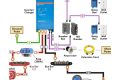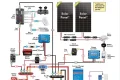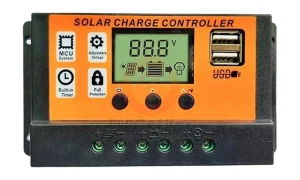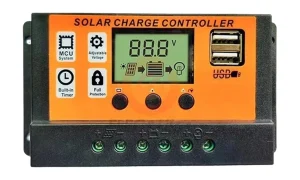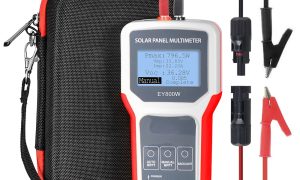
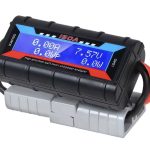



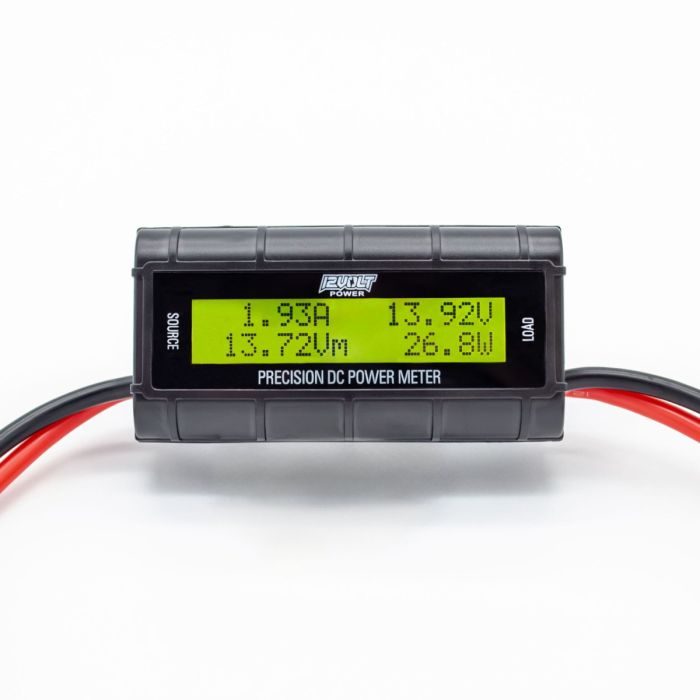
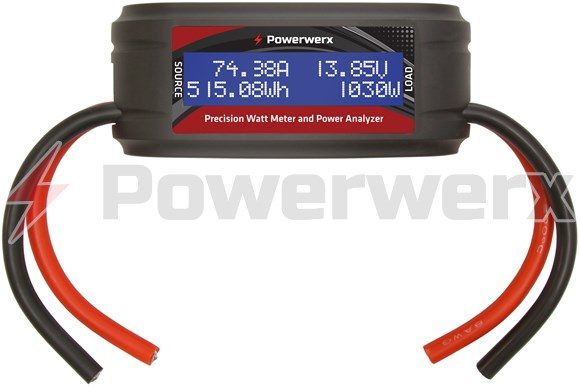
Vanonpower.com – An inline watt meter measures the real-time electrical power output of a solar panel system by connecting directly between the solar controller and the battery bank, providing accurate data on voltage, current, and total energy generated.
Monitoring your solar energy production is essential for maintaining system health and ensuring you are getting the efficiency you paid for. While many modern solar charge controllers have built-in displays, these are often inaccurate or lack the granularity needed to diagnose specific performance issues. An inline watt meter, often called a DC power analyzer, acts as a precise diagnostic tool that reveals exactly how much power is flowing through your wires at any given moment.
Why You Need an Inline Watt Meter
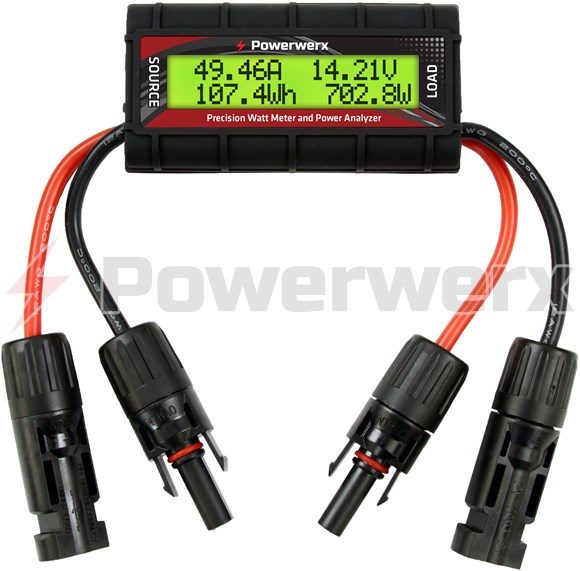
Solar panels are subject to degradation, shading, and environmental factors that can drastically reduce their output. Without a dedicated meter, you are essentially guessing whether your system is performing at its peak. An inline meter provides a live readout of Watts, Amps, and Volts, allowing you to identify if a panel is underperforming, if your wiring has high resistance, or if your battery bank is receiving the proper charge profile.
📷 Photo by powerwerx.com
Common issues like loose connections, oxidation on MC4 connectors, or partial shading can drop output by 20% to 50% without you ever noticing. By installing an inline meter, you turn these invisible electrical variables into actionable data points. It is the most cost-effective way to troubleshoot an off-grid solar setup before calling a professional technician.
Understanding Meter Specifications
When selecting a meter, you must ensure it can handle the maximum voltage and current of your system. Using a meter that is underrated for your array can result in a blown fuse or a melted device. Below is a reference guide for typical inline watt meter capabilities.
| Feature | Standard Hobbyist Meter | Professional-Grade Analyzer |
|---|---|---|
| Voltage Range | 0V – 60V | 0V – 150V+ |
| Current Capacity | 0A – 100A | 0A – 200A+ |
| Data Logging | None (Live only) | Internal Memory/USB |
| Best Use Case | Small portable solar kits | Large off-grid home systems |
Step-by-Step Installation Guide
Installing an inline watt meter is a straightforward process, but it must be done with caution to avoid short circuits. Always disconnect the solar panels from the charge controller before making any connections to the meter.
- Verify that your meter is rated for the maximum open-circuit voltage (Voc) and short-circuit current (Isc) of your solar array.
- Disconnect the solar panel input wires from your charge controller.
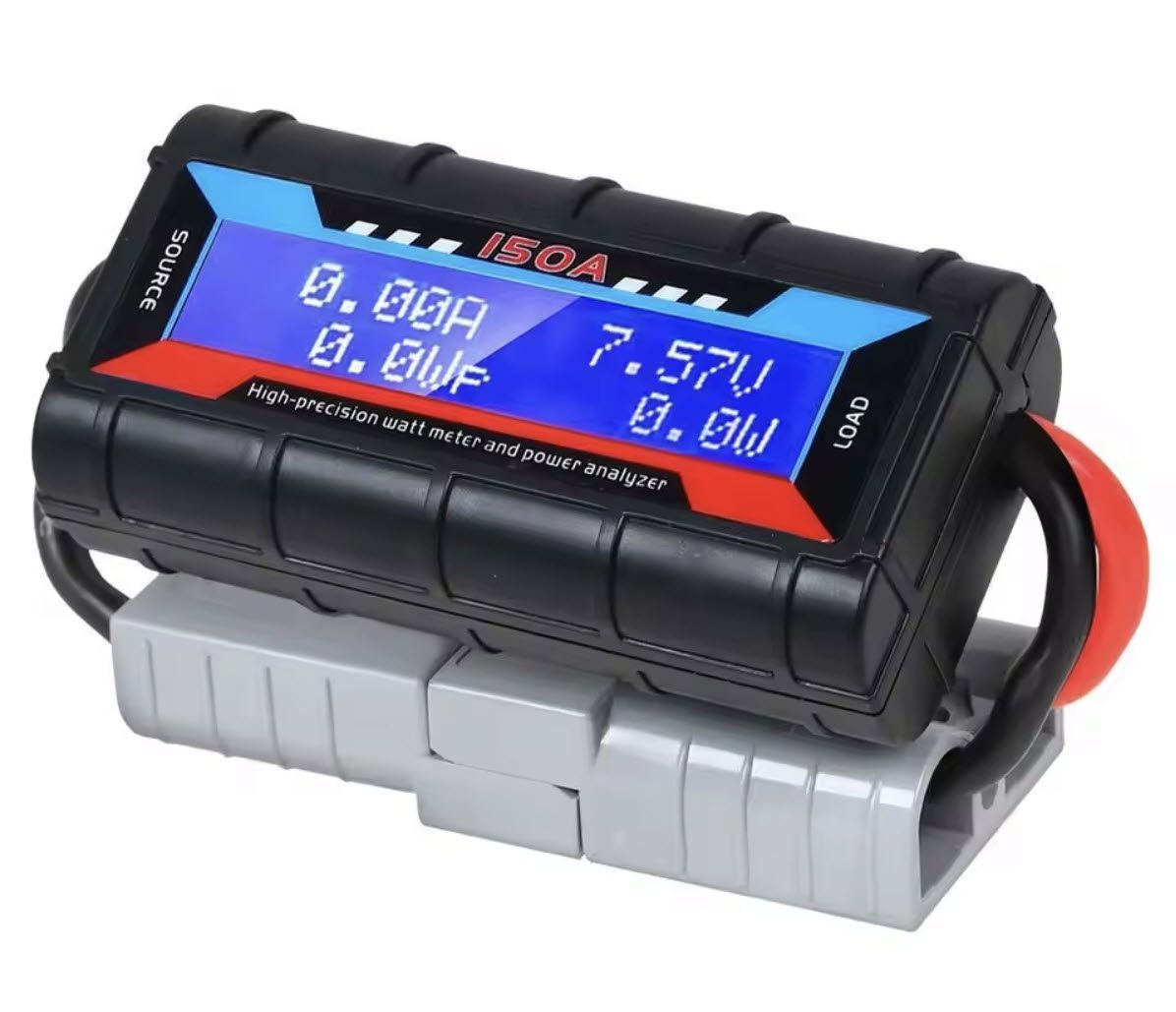
- Connect the input side of the watt meter (labeled “Source”) to the wires coming from your solar panels, ensuring positive is connected to positive and negative to negative.
- Connect the output side of the watt meter (labeled “Load”) to the solar input terminals on your charge controller.
- Double-check all connections for tightness and proper polarity, then reconnect the solar panels to the source input.
- Observe the display on the meter to verify that voltage and amperage readings appear as the panels receive sunlight.
Common Mistakes to Avoid
One of the most frequent errors users make is reversing the polarity. Most digital watt meters have built-in protection, but older or cheaper analog-style meters can be permanently damaged if the positive and negative leads are swapped. Always use a multimeter to verify the polarity of your wires before plugging them into the meter.
Another common mistake is ignoring the wire gauge. If you are using a meter that handles 100 amps, ensure the wires connecting to it are thick enough (typically 8 AWG or 10 AWG) to handle the heat. Using thin, undersized wires will cause a voltage drop across the meter, leading to inaccurate readings and potential safety hazards.
Analyzing Your Solar Production Data
Once the meter is installed, you should monitor it during peak sun hours, typically between 10 AM and 2 PM. Compare the wattage shown on the meter to the rated wattage of your panels. If your panels are rated for 200W but you are only seeing 120W during a clear, cloudless afternoon, you likely have an issue. This could be due to dirty panels, an improper tilt angle, or excessive cable length causing resistive power loss.
Keep a log of these readings over several weeks. If you notice a steady decline in the maximum daily wattage despite the weather being consistent, it is a strong indicator that your panels are accumulating dust or that the internal cells are beginning to fail. This proactive monitoring allows you to clean your panels or replace faulty components before your battery bank suffers from a lack of charge.
📷 Photo by gigaparts.com
Risks and Safety Considerations
Solar panels produce DC electricity, which can be dangerous if handled incorrectly. Even a small 100W panel can produce enough current to cause a spark if wires are shorted. Always wear insulated gloves when working with connections, and never disconnect a circuit while it is under load, as this can create an electrical arc that damages your equipment connectors.
Furthermore, do not leave the watt meter exposed to direct rain or extreme humidity unless it is specifically rated as weather-resistant. Most standard inline meters are designed for indoor use or inside a protected enclosure. If you are mounting the meter permanently, place it in a dry, ventilated box to prevent moisture buildup on the circuit board.
Q: Can I leave the inline watt meter connected permanently?
A: Yes, most digital inline meters are designed for continuous duty. However, ensure the device is protected from environmental elements and that the wires are securely fastened to prevent vibration-induced loosening.
Q: Why does my watt meter show zero watts even in the sun?
📷 Photo by powerwerx.com
A: First, check if your battery bank is already full. If the battery is at 100% state of charge, the charge controller will throttle or shut off power from the panels, resulting in a zero-watt reading on the meter.
Q: Does the watt meter consume power itself?
A: Yes, these devices require a small amount of power to operate the display and internal sensors. It is usually negligible, typically less than 1 watt, and should not impact your overall system efficiency significantly.
By integrating a simple inline watt meter into your system, you shift from passive observation to active management. This tool is not just for initial testing; it is a vital component for long-term maintenance and troubleshooting, ensuring that your investment in solar energy continues to pay off for years to come.
📷 Photo by offgridspares.com.au