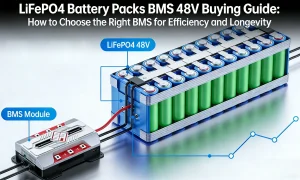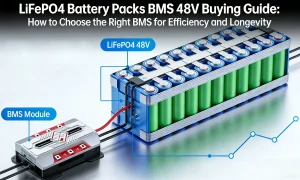






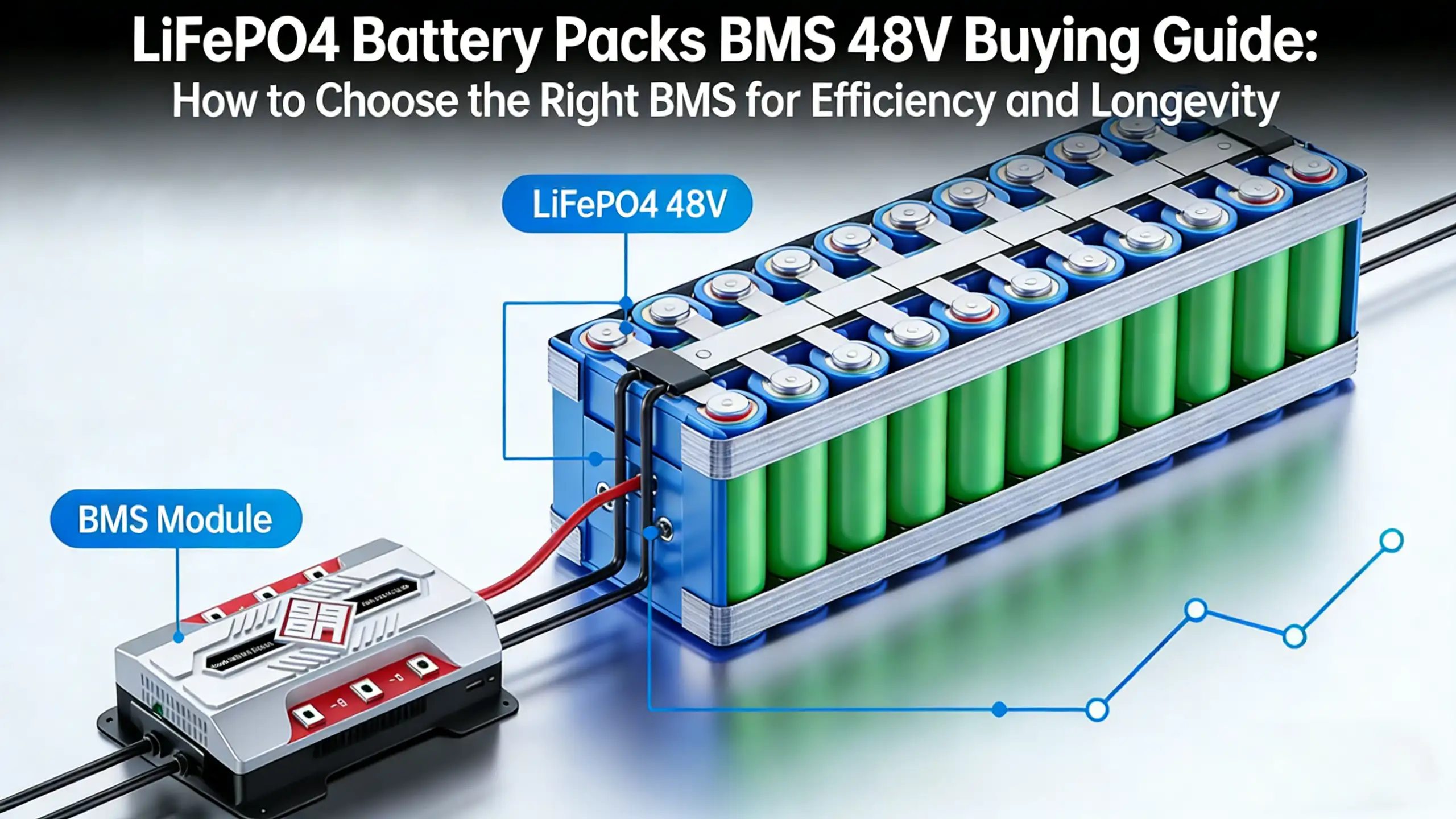
Vanonpower.com – A sleeping LiFePO4 battery locked by its Battery Management System (BMS) can typically be recovered by applying a wake-up voltage from a compatible charger or by momentarily connecting it in parallel with a healthy battery of the same voltage to trigger the MOSFETs.
LiFePO4 batteries are renowned for their safety and longevity, but they are also equipped with sophisticated Battery Management Systems designed to protect the cells from damage. When a battery enters a “sleep” or “locked” mode, it is usually because the BMS has detected an under-voltage condition, a short circuit, or extreme temperatures. In many cases, the internal MOSFETs open the circuit to prevent the battery from discharging further, effectively disconnecting the terminals from the internal cell bank.
Common Causes of BMS Lockout
The most frequent reason for a locked battery is deep discharge. If the voltage drops below the low-voltage cutoff threshold, the BMS enters a protection state to preserve the cells. This is a safety feature, not a defect. Other causes include internal board failures, prolonged storage without maintenance, or a momentary surge that tripped the over-current protection. When the terminals read zero volts or a fraction of the nominal voltage, it is almost certain the BMS has severed the connection.
Safety Precautions Before Attempting Recovery
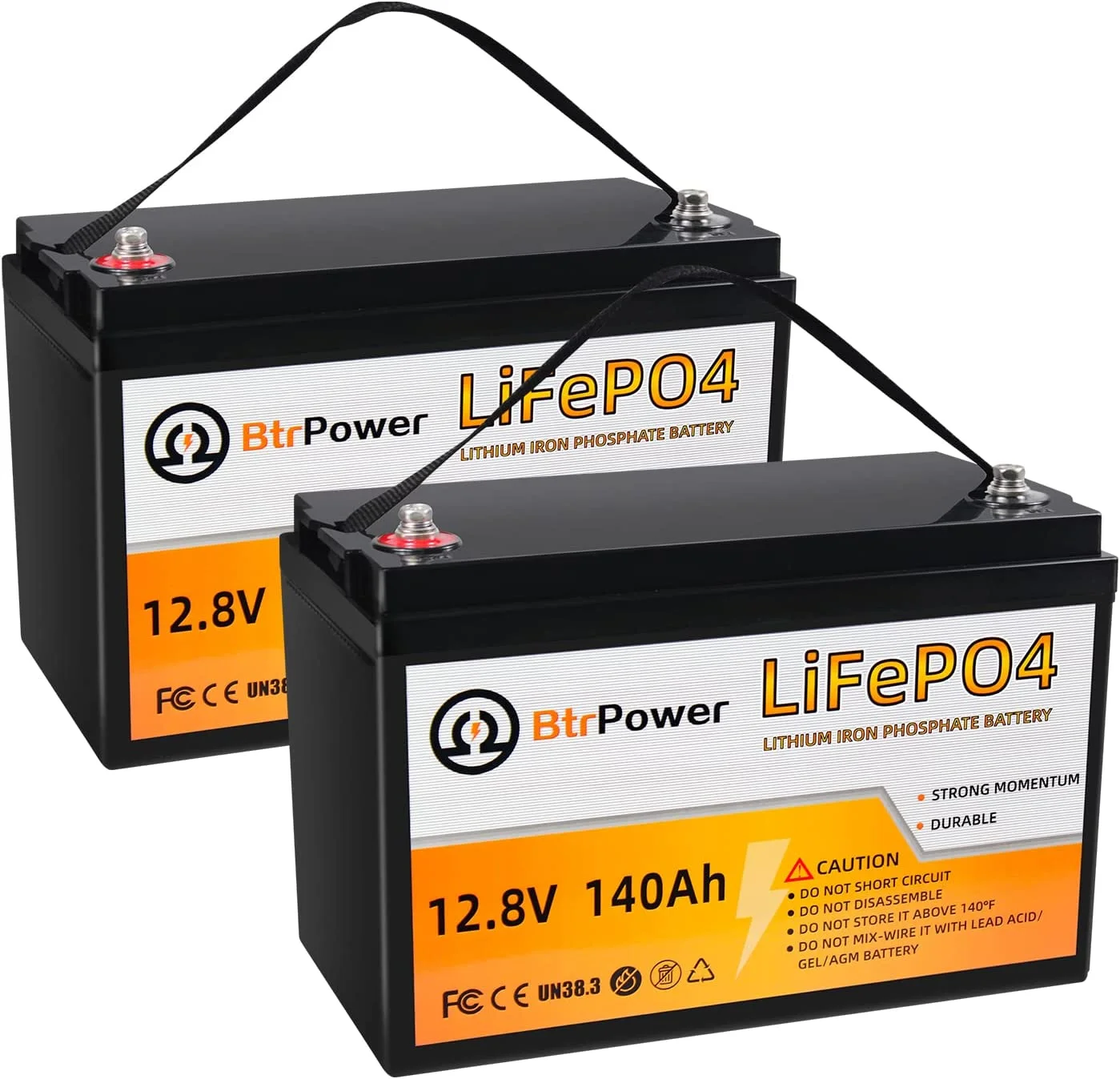
📷 Photo by walmart.com
Before you begin, inspect the battery casing for physical signs of damage, such as swelling, cracks, or a burnt odor. If the battery is physically compromised, do not attempt to recover it, as this poses a significant fire risk. Always work in a well-ventilated area, wear safety glasses, and use a multimeter to monitor voltage levels throughout the process. Never force a high-amperage charge into a battery that has been sitting at zero volts for an extended period, as it may indicate permanent internal cell damage.
Step-by-Step Recovery Guide
If you have confirmed that the battery is physically sound but simply locked due to low voltage, follow these steps to attempt a wake-up:
- Verify the battery voltage using a digital multimeter at the main terminals to confirm it is indeed in a locked state (reading near 0V).
- Prepare a lithium-specific battery charger that features a “0V charging” or “wake-up” function, as standard chargers often require a minimum voltage to start.
- If you do not have a specialized charger, connect a healthy battery of the same nominal voltage in parallel to the locked battery using heavy-gauge jumper cables; the healthy battery’s voltage may trigger the locked BMS to reopen the circuit.
- Monitor the connection for several minutes; if the BMS wakes up, you will hear a faint click or observe the voltage on your multimeter begin to rise immediately.
- Once the voltage rises above the cutoff threshold, remove the jump-starting source and continue charging the battery using a dedicated LiFePO4 charger until it reaches full capacity.
Comparison of Battery Recovery Methods
| Method | Success Rate | Risk Level | Requirement |
|---|---|---|---|
| Li-Ion Charger (Wake-up mode) | High | Low | Smart Charger |
| Parallel Jump-Start | Medium | Moderate | Healthy Battery |
| Laboratory Power Supply | High | Moderate | Adjustable DC Source |
Common Mistakes to Avoid
One of the most dangerous mistakes is attempting to “jump-start” a lithium battery using a car’s alternator or a high-current lead-acid charger. Lead-acid chargers often use desulfation pulses or high-voltage spikes that can permanently damage the BMS electronics. Furthermore, connecting a lithium battery to an alternator can cause a massive current inrush that exceeds the BMS peak discharge rating, potentially welding the internal MOSFETs shut.
Another common error is assuming the battery is dead after one failed attempt. Some BMS units require a specific duration of voltage application to reset the internal logic. If the voltage does not rise after five minutes of connection, disconnect, wait, and try again. If the battery remains at 0V after multiple attempts, the internal cells may have fallen below the chemical stability threshold, or the BMS hardware itself may have failed.
Long-Term Maintenance Tips
To prevent future lockouts, ensure your battery does not sit in a discharged state for long periods. If you plan to store your LiFePO4 batteries, charge them to approximately 50-60 percent capacity and disconnect them from any parasitic loads, such as inverters or monitors. Even when switched “off,” these devices can draw enough power to trip the BMS over a few months. Periodically check the voltage every three months during storage to ensure the cells remain within a healthy range.
Frequently Asked Questions
Q: Can I use a lead-acid car charger to wake up my LiFePO4 battery?
A: It is strongly discouraged. Lead-acid chargers use different charging profiles and voltages that can trigger over-voltage protection or damage the BMS components permanently.
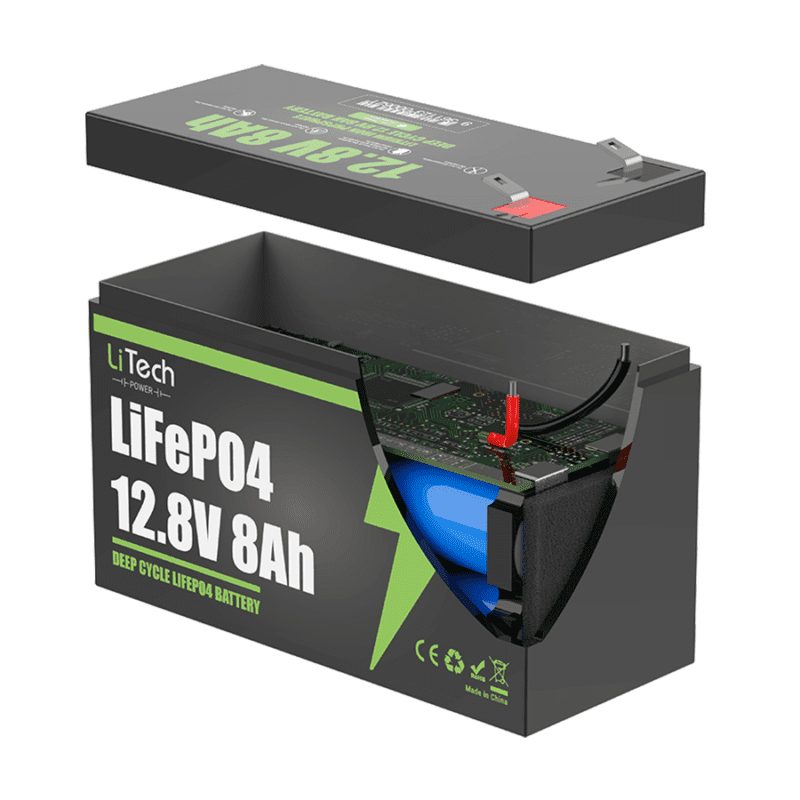
📷 Photo by litechpower.com
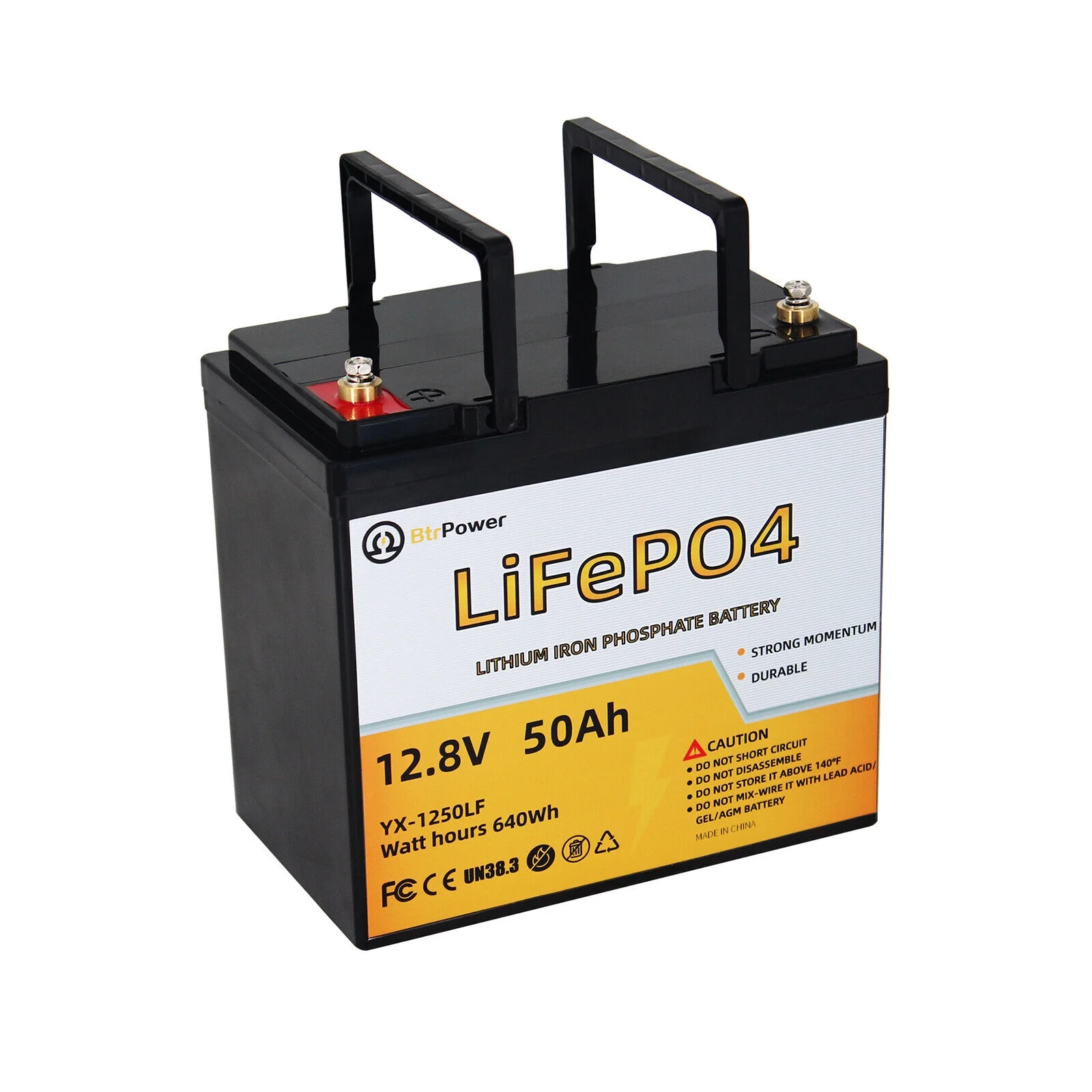
📷 Photo by walmart.com
Q: Why does my multimeter show a low voltage instead of zero?
A: If you see a very low voltage (e.g., 2V to 8V for a 12V battery), the BMS might be in a “deep sleep” mode rather than a complete lockout, or one of the internal series cells may have failed, causing the BMS to report a low pack voltage.
Q: How long can a LiFePO4 battery stay in a locked state?
A: If the BMS is locked due to low voltage, the self-discharge of the cells will continue. If left for too long, the cells can drop below the critical voltage where they can no longer be safely recharged, rendering the battery permanently unusable.
Recovering a locked LiFePO4 battery requires patience and the right tools. By understanding the protective nature of the BMS and following systematic recovery steps, you can often restore your battery to full functionality without the need for a replacement. Always prioritize safety and verify the health of your cells before putting the battery back into service.
Read also: LiFePO4 Float Voltage vs Bulk Voltage: Recommended Settings
📷 Photo by ayaatech.com