



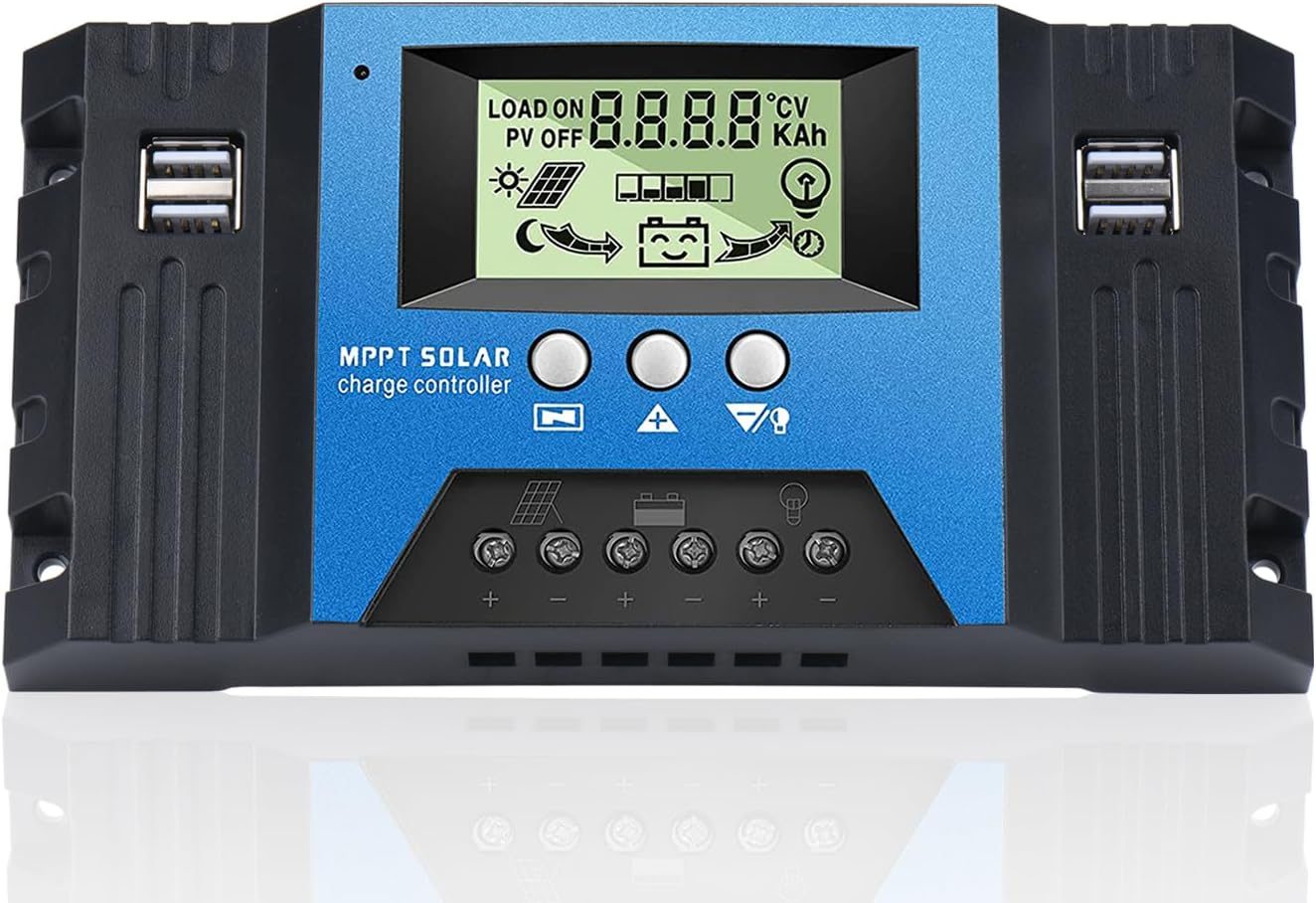
Vanonpower.com – An MPPT charge controller gets stuck in absorption mode primarily because the battery bank is not reaching the voltage threshold required to trigger the float stage, often due to heavy ongoing DC loads, incorrect battery settings, or faulty temperature compensation.
Understanding the Charge Cycle
To diagnose why your controller is trapped in this state, you must first understand the three-stage charging process. The Bulk stage pushes maximum current into the battery. Once the battery reaches a set absorption voltage, the controller switches to the Absorption stage, holding that voltage constant while current gradually tapers off. Ideally, the controller should transition to the Float stage once the current drops below a specific tail current threshold or a timer expires.
When the controller remains indefinitely in the absorption stage, it implies that the charging current never drops low enough to satisfy the “end-of-charge” criteria. This is not necessarily a hardware failure; it is often a logical response to the electrical environment of your system.
Common Causes for Absorption Lock
The most frequent culprit is a continuous DC load. If you are drawing power from your battery bank while the solar panels are charging it, the controller sees this current draw as part of the battery’s demand. Because the battery current never drops below the transition threshold, the MPPT remains in the absorption phase to compensate for the power being consumed by your appliances.
Another common cause is incorrect battery chemistry settings. If the controller is programmed for Lead-Acid but you are charging Lithium (LiFePO4) batteries, the absorption voltage and tail current requirements will mismatch. Furthermore, if your battery bank has a failing cell or high internal resistance, it may never reach the voltage levels required to trigger the float stage, causing the controller to stay in absorption indefinitely.
Diagnostic Checklist and Troubleshooting
Before assuming your controller is defective, perform a systematic check of your installation. Follow these steps to isolate the issue:
- Disconnect all DC loads from the battery bank to ensure that the current measured by the controller is going exclusively to the battery.
- Verify the battery bank voltage using a reliable digital multimeter at the battery terminals to confirm it matches the reading on the MPPT display.
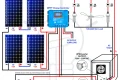
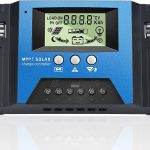
- Check the charge controller settings to ensure the battery type, voltage (12V/24V/48V), and capacity settings match your specific battery bank specifications.
- Inspect all wiring connections between the panels, controller, and battery for corrosion or loose terminals that could cause voltage drops.
- Observe the “Tail Current” or “Absorption Time” settings in the controller software to see if the criteria for switching to float are too stringent for your specific setup.
Technical Comparison of Charge Stages
| Stage | Voltage Level | Current Behavior | Primary Goal |
|---|---|---|---|
| Bulk | Rising | Maximum | Get battery to 80% capacity |
| Absorption | Constant (High) | Decreasing | Top off remaining 20% capacity |
| Float | Constant (Lower) | Trickle | Maintain full charge/prevent self-discharge |
| Equalization | Elevated | Controlled | Balance cells (Lead-Acid only) |
Risks of Prolonged Absorption
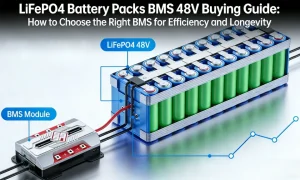
Leaving an MPPT controller in absorption mode for extended periods, especially with lead-acid batteries, can lead to electrolyte loss due to excessive gassing. If the voltage is held too high for too long, the battery plates may undergo accelerated corrosion. For lithium batteries, while they are more resilient, constant high-voltage absorption can lead to cell imbalance if the Battery Management System (BMS) cannot effectively manage the charge levels, potentially triggering a high-voltage protection shutdown.
Practical Tips for System Optimization
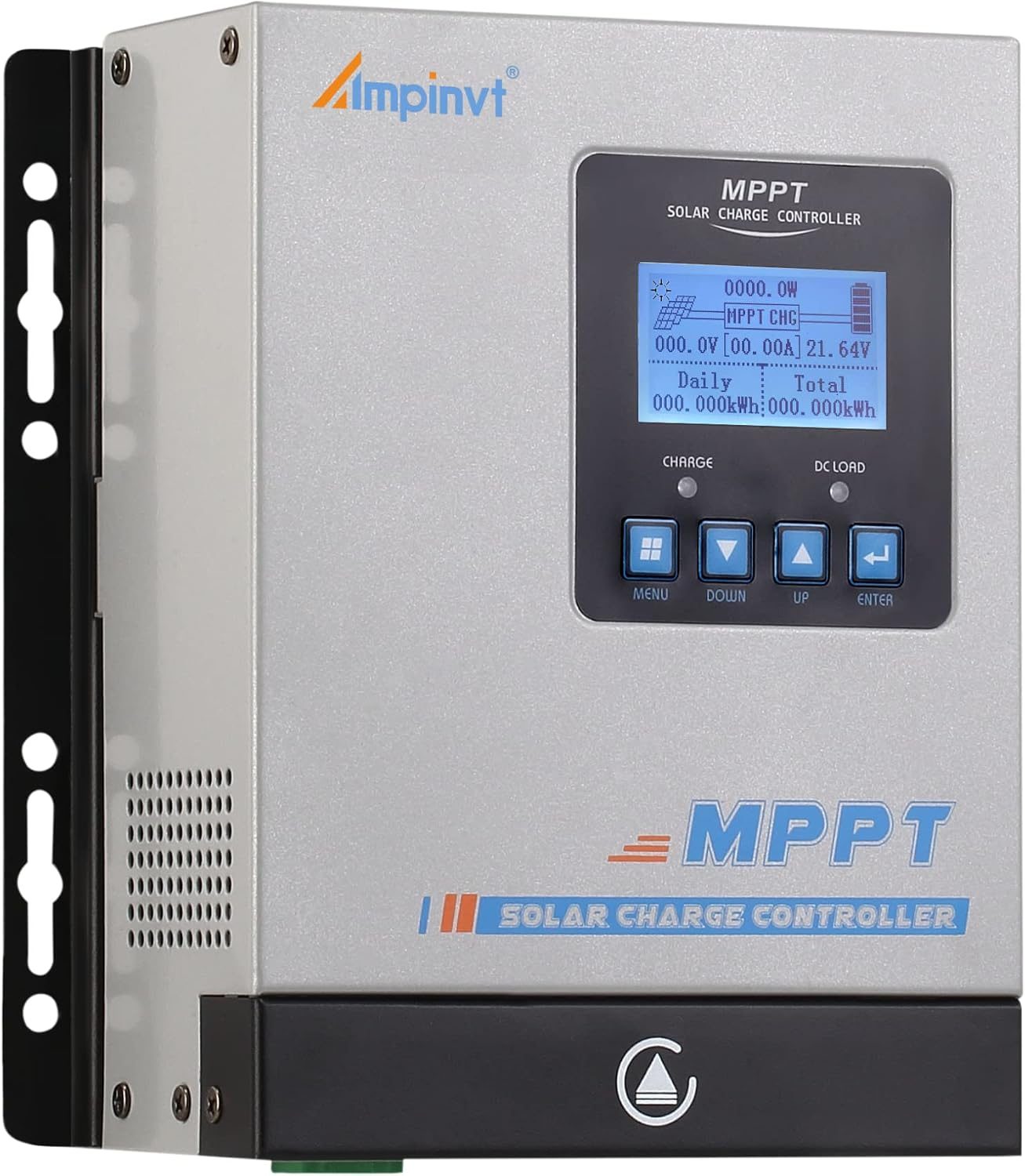
Ensure that your temperature sensor is properly installed if your MPPT supports it. An incorrectly calibrated temperature sensor might trick the controller into thinking the battery is colder than it is, causing the controller to apply a higher absorption voltage that the battery can never reach. This creates a perpetual cycle where the controller is “stuck” trying to reach a target voltage that is physically impossible under current conditions.
Also, consider the size of your solar array relative to your battery bank. If your array is too small, it may struggle to push the battery through the absorption phase during short winter days or periods of low sunlight. In such cases, the absorption stage might simply run out of time before the sun sets, and the cycle repeats the next day.
Frequently Asked Questions
Q: Will leaving my controller in absorption mode ruin my batteries?
A: It depends on the battery type. While it may shorten the lifespan of lead-acid batteries due to electrolyte evaporation, modern lithium batteries are generally protected by their internal BMS, which will disconnect the battery if voltage levels become dangerous.
📷 Photo by manuals.plus
Q: Should I manually force my controller into float mode?
A: Generally, no. Modern MPPT controllers are designed to manage this transition autonomously. If you find yourself needing to force it, it is a sign that your settings are mismatched or there is a persistent load that needs to be addressed.
Q: Can a faulty battery cause this issue?
A: Yes. If a battery has a shorted cell or high internal resistance, it will never reach the full charge voltage required to trigger the transition to float, effectively trapping the controller in the absorption stage indefinitely.
By monitoring the current flow and verifying your controller’s configuration, you can typically resolve the “stuck” absorption issue without replacing equipment. Always prioritize clean, tight connections and accurate battery bank profiling to ensure your solar power system operates at peak efficiency throughout the year.
📷 Photo by ubuy.com.ph