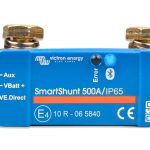




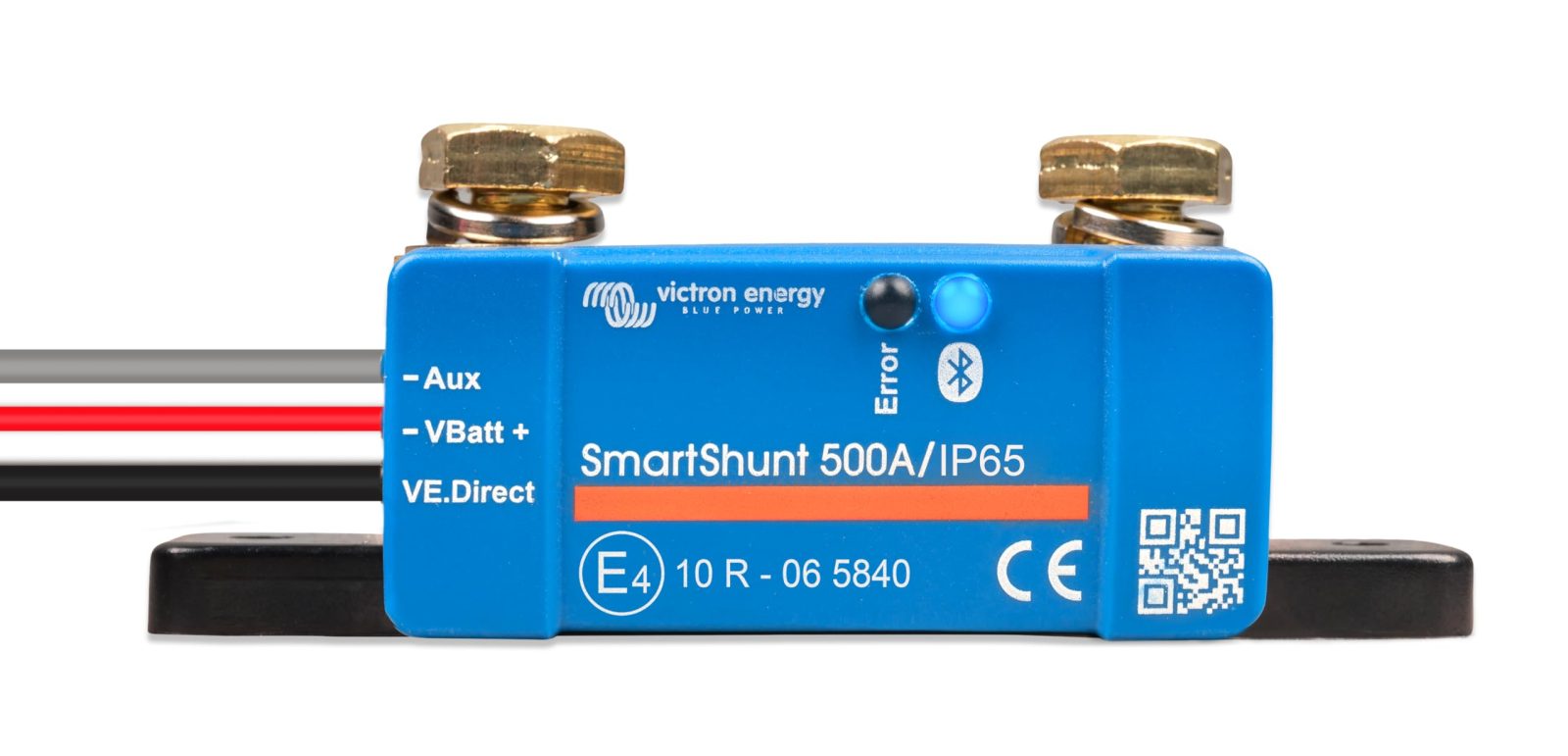
Vanonpower.com – Connecting a smart shunt to a LiFePO4 battery involves installing the shunt in series with the negative terminal of the battery bank and connecting the monitoring cable to the shunt’s display or Bluetooth module to provide real-time, accurate state-of-charge data. This setup eliminates guesswork by measuring the exact current flowing in and out of the battery, rather than relying on voltage-based estimations.
Why LiFePO4 Batteries Require a Smart Shunt
LiFePO4 (Lithium Iron Phosphate) batteries possess a very flat discharge curve, meaning the voltage remains nearly constant for most of the discharge cycle. Unlike lead-acid batteries, where a voltage drop clearly signals a lower state of charge, a lithium battery can stay at 13.2V while being anywhere from 20% to 80% charged. This characteristic makes traditional voltage-based monitors unreliable. A smart shunt acts as a coulomb counter, tracking every amp-hour consumed and replenished, ensuring you always know your exact remaining capacity.
Essential Tools and Safety Preparation
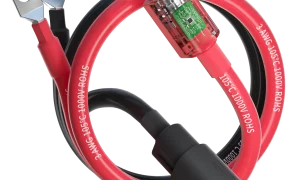
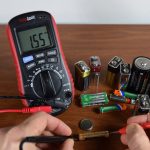
Before beginning the installation, ensure you have the necessary tools: a set of insulated wrenches, high-quality battery cables (sized correctly for your inverter’s peak load), heat shrink tubing, and a multimeter. Safety is paramount when working with DC power. Always remove jewelry, wear protective eyewear, and disconnect the main load from the battery bank to prevent accidental short circuits during the installation process.
Step-by-Step Installation Guide
Follow these steps to integrate your smart shunt into your power system:
- Disconnect all negative cables from the battery terminal, leaving only the bare post.
- Mount the shunt in a secure, dry, and ventilated location near the battery bank using the provided mounting holes.
- Connect the battery side of the shunt directly to the negative terminal of the LiFePO4 battery using a short, heavy-gauge cable.
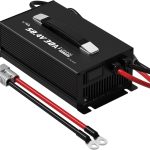
- Connect all system loads and charging sources (inverter, solar charge controller, DC-DC charger) to the load side of the shunt.
- Ensure the shunt is the only path for negative current; no other negative wires should bypass the shunt and connect directly to the battery.
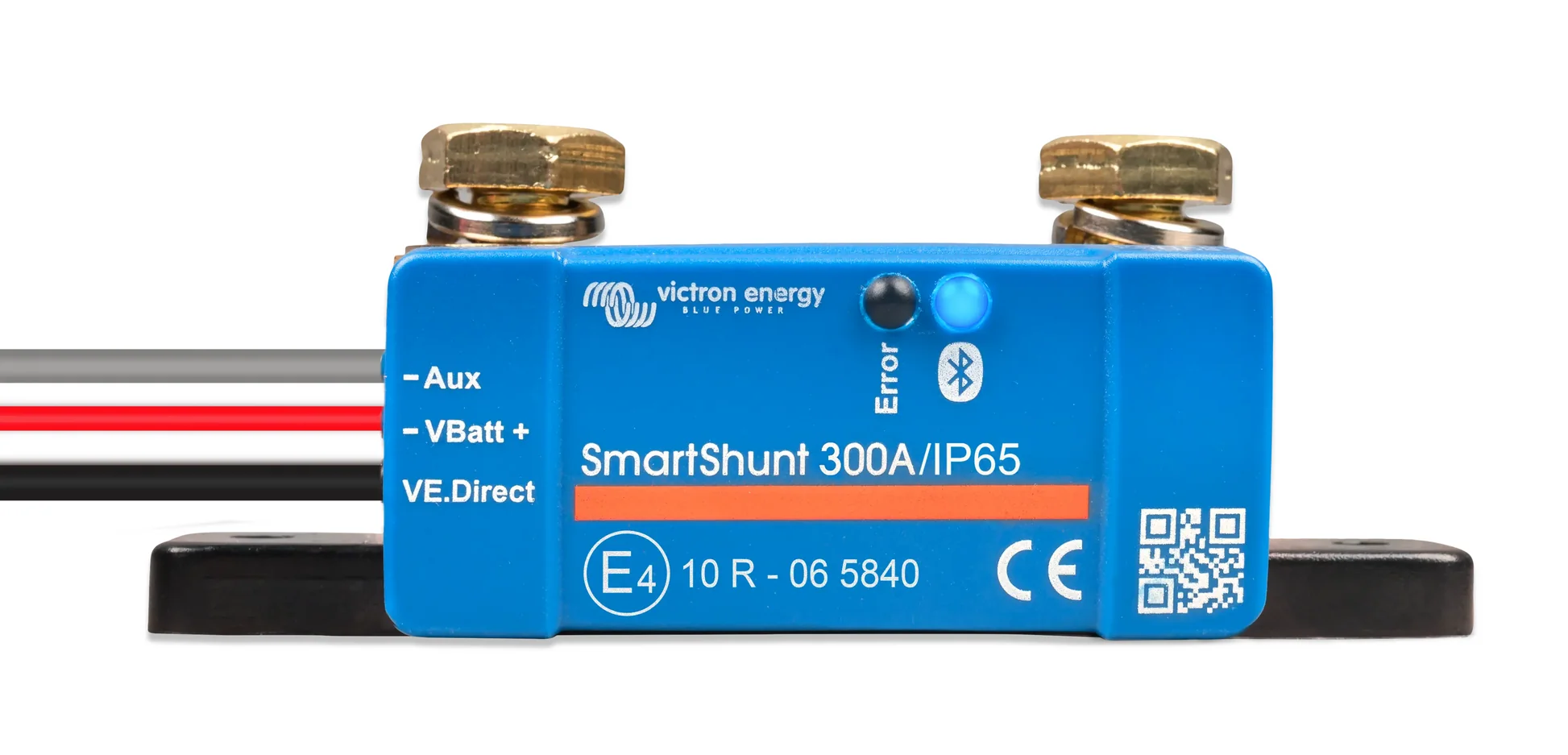
- Attach the power supply wire (usually a thin red wire) from the shunt to the positive terminal of the battery to power the monitoring electronics.
- Plug the data cable into the shunt and connect it to the display module or Bluetooth interface.
- Configure the shunt settings via the mobile app or display, specifically inputting the total battery bank capacity in Amp-hours (Ah).
Comparison of Monitoring Methods
Understanding the difference between simple voltmeters and smart shunts is critical for battery longevity.
| Feature | Standard Voltmeter | Smart Shunt (Coulomb Counter) |
|---|---|---|
| Accuracy | Low (Voltage-based) | High (Current-based) |
| State of Charge | Estimation only | Precise Percentage |
| History Tracking | None | Full usage logs |
| Installation Complexity | Simple | Moderate |
Common Installation Mistakes to Avoid
The most frequent error is the “hidden ground” mistake. If any negative wire from a load or charger bypasses the shunt and touches the battery negative post or the chassis ground, the shunt will not record that current. This leads to “drift,” where the monitor shows a higher capacity than what is actually in the battery. Always trace your negative cables carefully to ensure 100% of the current flows through the sensing element.
📷 Photo by albanyautolec.com.au
Another common oversight is failing to calibrate the “Zero Current” or “Charged Voltage” parameters. Most smart shunts need to be told what voltage constitutes a 100% full battery. If this is set incorrectly, the monitor will never sync to 100%, causing the calculated capacity to become increasingly inaccurate over time. Consult your specific manual for the recommended “tail current” and “charged voltage” settings for LiFePO4 chemistry.
Maintenance and Periodic Calibration
While smart shunts are largely “set and forget,” they require periodic synchronization. Most modern shunts will automatically sync to 100% when the battery voltage reaches a specific threshold and the current drops below a tiny percentage of the battery capacity. If you notice your monitor consistently showing 95% when you know the battery is full, check your connections for corrosion or high resistance, as these can create voltage drops that confuse the shunt’s sensing logic.
Frequently Asked Questions
Q: Can I install the shunt on the positive side instead of the negative side?
A: While technically possible, it is highly discouraged. Most shunt electronics are designed to operate on the negative side to minimize the risk of short circuits to the chassis or common ground. Installing on the negative side is standard industry practice for safety and ease of wiring.
Q: Does the smart shunt consume power from my battery?
A: Yes, the shunt requires a small amount of power to operate its internal processor and Bluetooth module, typically ranging from 1mA to 5mA. This draw is negligible for large battery banks but should be considered if the battery will be left in storage for many months without a charging source.
Q: Why is my battery capacity reading “drifted” or inaccurate?
A: Drift usually occurs because the shunt failed to reach its “sync” parameters. This often happens if the battery is not being fully charged to 100% frequently enough or if there is a rogue ground wire bypassing the shunt. Ensure your charging source is capable of reaching the full charge voltage specified for your LiFePO4 cells.
Read also: Best Charge Profile Settings for 12V LiFePO4 Batteries
📷 Photo by snapklik.com