




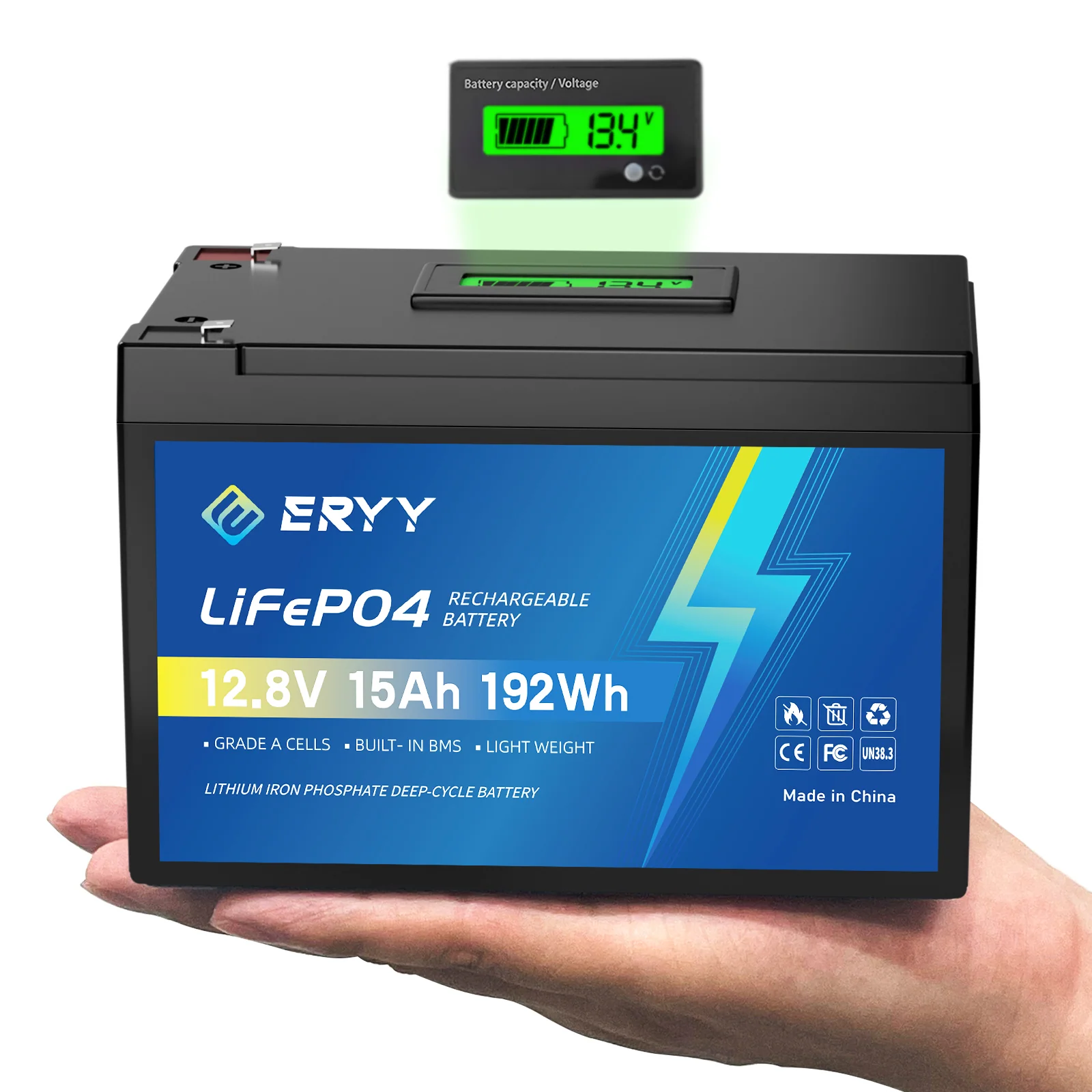
Vanonpower.com – A LiFePO4 state of charge (SoC) chart provides the approximate remaining capacity of your lithium iron phosphate battery based on its current resting voltage, allowing you to monitor health and prevent deep discharge damage.
📷 Photo by amazon.ca
Monitoring the state of charge for LiFePO4 batteries is significantly different from traditional lead-acid batteries. Because LiFePO4 chemistry maintains a very flat voltage discharge curve, the voltage remains steady for the majority of the discharge cycle. This makes it challenging to determine the exact percentage of power left just by looking at a voltmeter, but understanding the specific voltage thresholds is essential for extending battery longevity.
The Nature of the LiFePO4 Discharge Curve
Unlike lead-acid batteries that show a steady decline in voltage as they drain, LiFePO4 batteries stay within a narrow voltage window—typically between 13.0V and 13.3V for a 12V system—for about 80% to 90% of their capacity. Once the battery reaches the final 10% of its charge, the voltage drops off rapidly. This is why relying solely on voltage can be misleading if you do not have a calibrated chart or a dedicated battery monitor.
The following table provides a general reference for a standard 12.8V LiFePO4 battery at rest. Please note that these readings should be taken after the battery has been disconnected from a load or charger for at least one hour to ensure an accurate “resting voltage” reading.
| State of Charge (SoC) | 12V LiFePO4 Resting Voltage |
|---|---|
| 100% | 13.6V or higher |
| 90% | 13.3V |
| 80% | 13.2V |
| 50% | 13.0V |
| 30% | 12.8V |
| 10% | 12.5V |
| 0% | 12.0V or lower |
Factors Affecting Voltage Accuracy
Several variables can cause your voltmeter to show a reading that does not match the chart. The most common culprit is the presence of a load. When a device is drawing current, the voltage will sag (a phenomenon known as voltage drop). If you measure the voltage while a fridge, inverter, or light is running, the reading will be artificially low, making the battery appear more depleted than it actually is.
Temperature also plays a critical role. LiFePO4 batteries are sensitive to cold environments. In freezing temperatures, the internal resistance increases, which can lead to lower voltage readings. Conversely, high heat can cause slight voltage spikes. Always aim to take your measurements at room temperature for the highest degree of accuracy.
Read also: How Long Will a 100Ah LiFePO4 Battery Run a 12V Refrigerator?
📷 Photo by aliexpress.com
📷 Photo by shopee.ph
How to Properly Measure Your Battery SoC
To get the most accurate reading, you must minimize variables that interfere with the chemical state of the cells. Follow these steps to check your battery capacity manually:
- Disconnect all charging sources, such as solar controllers or shore power chargers, and ensure the battery is not currently supplying power to any appliances.
- Let the battery sit in a resting state for at least 60 minutes. This allows the chemical equilibrium inside the cells to stabilize.
- Use a high-quality digital multimeter set to DC voltage. Place the probes directly on the battery terminals—not on the end of a long wire or through a fuse block—to avoid resistance errors.
- Compare your reading against the voltage chart provided above to estimate your remaining capacity.
- If you find that your voltage is consistently below 12.5V, it is time to initiate a full charge cycle to prevent the battery from entering a deep discharge state that could trigger the internal Battery Management System (BMS) low-voltage cut-off.
Common Mistakes and Risks
One of the most frequent errors users make is assuming that the voltage chart is 100% precise across all brands. Because different manufacturers use varying cell chemistries and internal BMS configurations, some batteries may show slightly different resting voltages. Always consult the specific datasheet provided by your battery manufacturer if available.
Another risk is the “False Full” reading. If you have just finished charging your battery, the surface charge will make the voltage appear higher than it truly is. If you measure immediately after disconnecting the charger, you might see 13.8V or 14.0V, which will quickly settle down once a load is applied. Relying on this surface charge reading can lead to overestimating your actual runtime.
Why a Battery Monitor is Better than a Chart
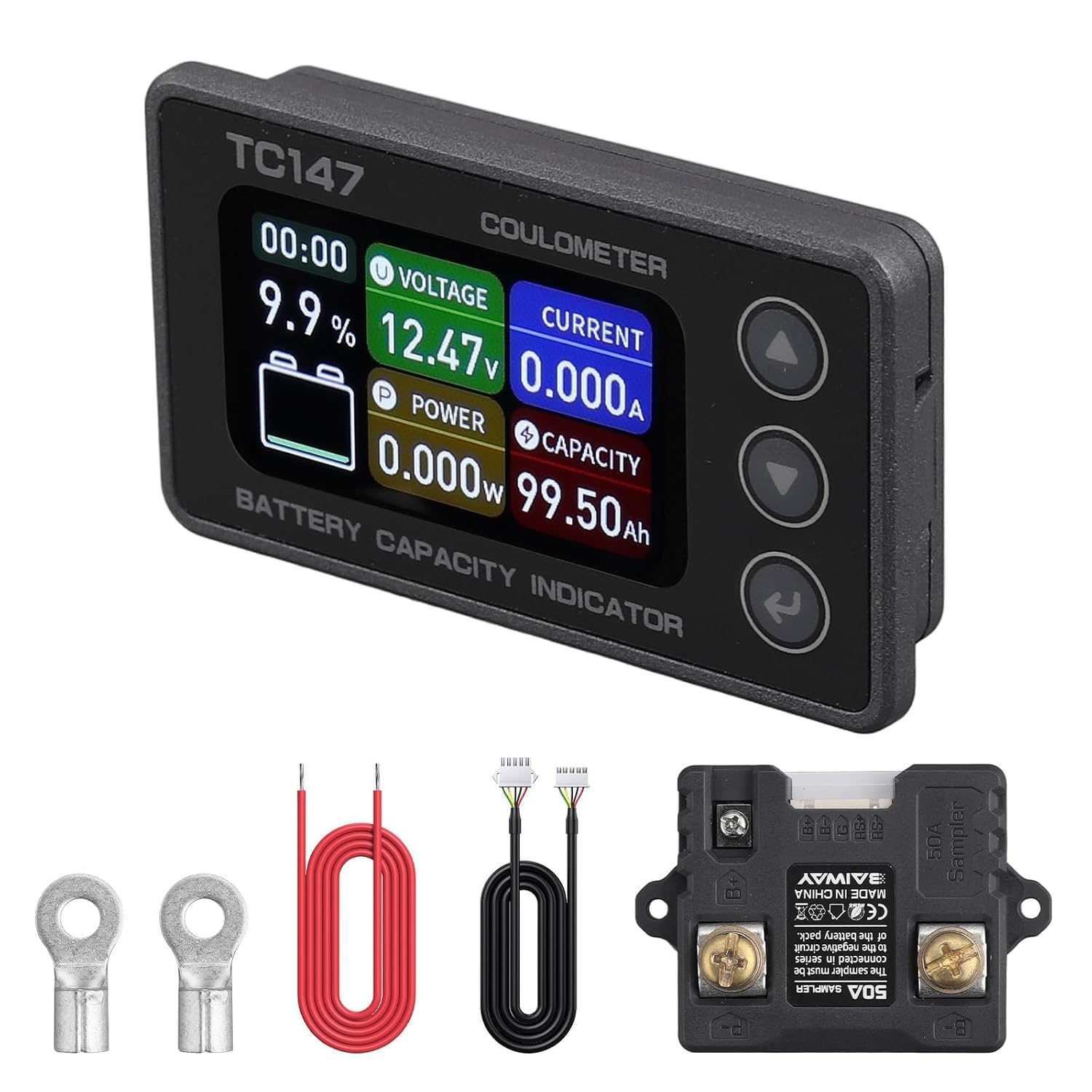
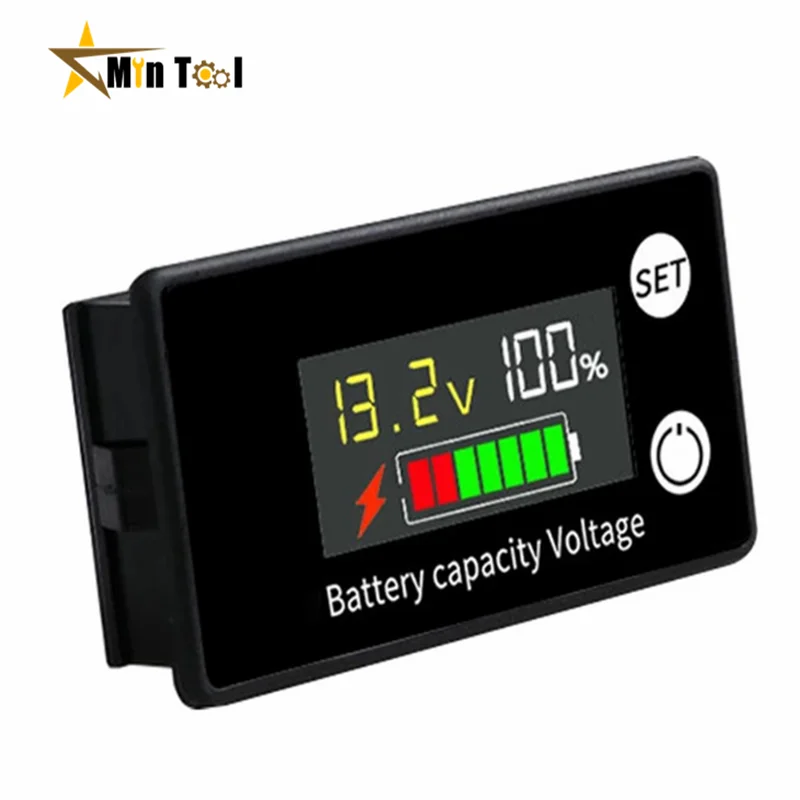
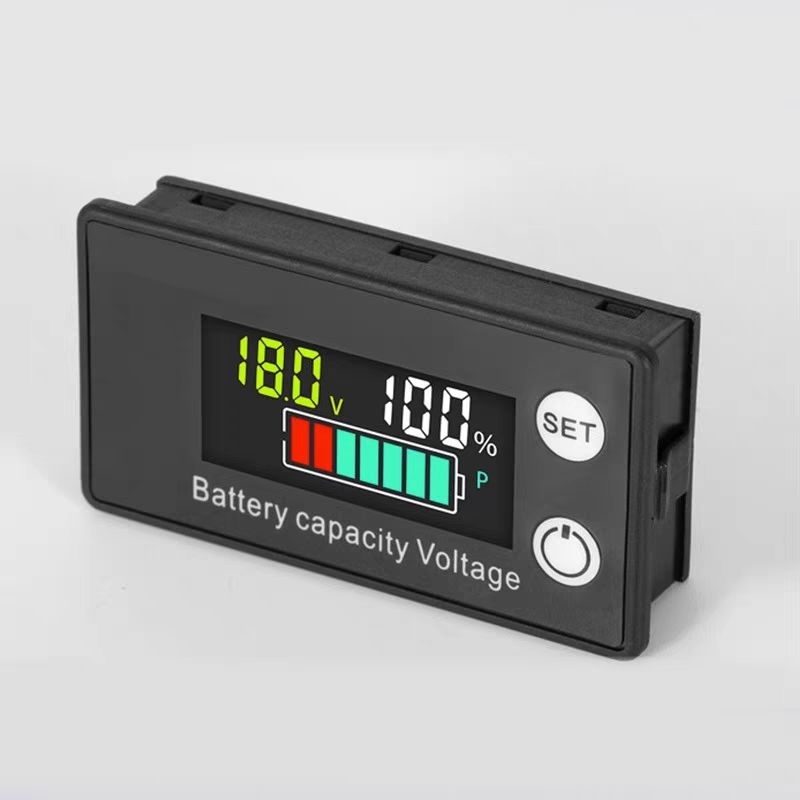
While a voltage chart is a great tool for a quick check, it is not a perfect solution for real-time monitoring. For serious applications like off-grid solar setups or RV living, a shunt-based battery monitor is the gold standard. Unlike a voltmeter that guesses capacity based on voltage, a shunt monitor counts the actual amp-hours going in and out of the battery (Coulomb counting). This provides an accurate percentage regardless of the current load or the flat discharge curve of the LiFePO4 cells.
Frequently Asked Questions
Q: Can I use a lead-acid battery charger for my LiFePO4 battery?
A: It is generally not recommended. Lead-acid chargers often use a “desulfation” mode that sends high-voltage pulses which can damage the BMS of a LiFePO4 battery. Always use a charger specifically designed for lithium iron phosphate chemistry.
Q: What happens if my LiFePO4 battery drops below 12.0V?
A: Most LiFePO4 batteries have an internal BMS that will disconnect the battery once the voltage drops below a certain threshold (usually between 10.0V and 11.0V) to protect the cells from permanent damage. If your battery hits 12.0V, you are at the end of your usable capacity and should charge it immediately.
Q: Why does my battery voltage drop immediately when I turn on my inverter?
A: This is a normal phenomenon called voltage sag. Inverters draw high current, and the internal resistance of the battery causes the voltage to dip. As long as the voltage recovers after you turn off the inverter, the battery is likely functioning normally.
📷 Photo by eryyshop.com