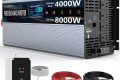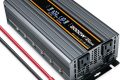


Vanonpower.com – An inverter typically beeps to alert the user about critical operating conditions such as low battery voltage, output overload, high internal temperature, or a short circuit in the connected equipment.
The persistent beeping of an inverter is not merely an annoyance; it is a vital safety mechanism designed to prevent damage to your power system and your connected appliances. Understanding the specific patterns and triggers of these alarms can help you troubleshoot the issue quickly before the system shuts down entirely.
Common Causes for Inverter Alarms
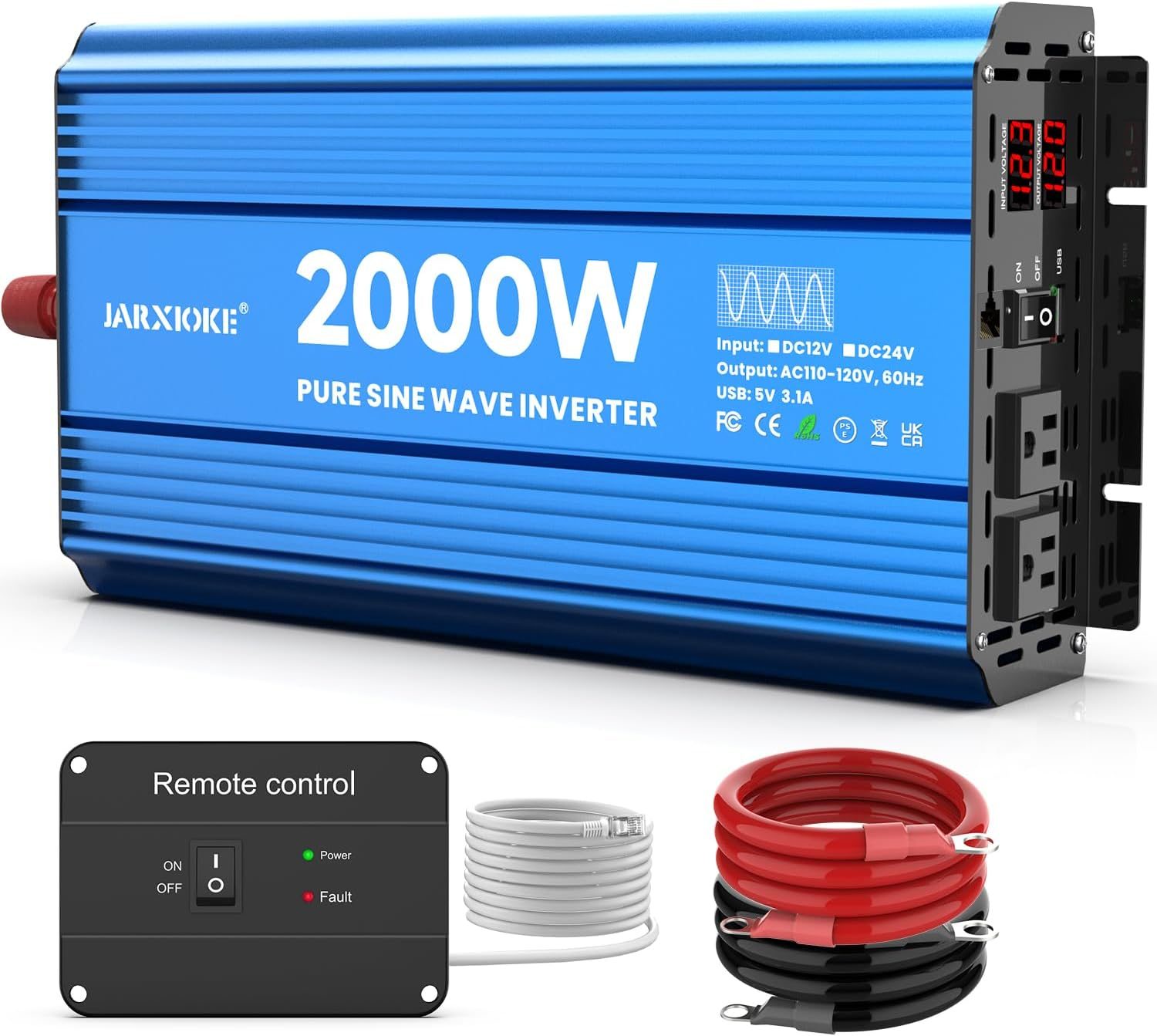
Most modern inverters use an audible alarm system to communicate status. A continuous tone often indicates a major fault, while an intermittent beep usually signals a warning that requires attention but may not yet be critical. The most frequent cause is low DC input voltage, which happens when the battery bank is nearing depletion. If your battery is not holding a charge, the inverter will warn you to prevent the battery from falling below a safe discharge level, which could permanently damage it.
Overloading is another primary culprit. Every inverter has a maximum continuous power rating. If you plug in devices that collectively exceed this capacity—such as running a high-wattage space heater alongside a refrigerator—the inverter will trigger an overload alarm. Additionally, environmental factors play a massive role. Inverters generate heat during conversion, and if the ventilation is blocked or the ambient temperature is too high, the internal thermal sensors will trigger a beep to warn of an impending shutdown due to overheating.
📷 Photo by amazon.com
Troubleshooting and Diagnostic Table
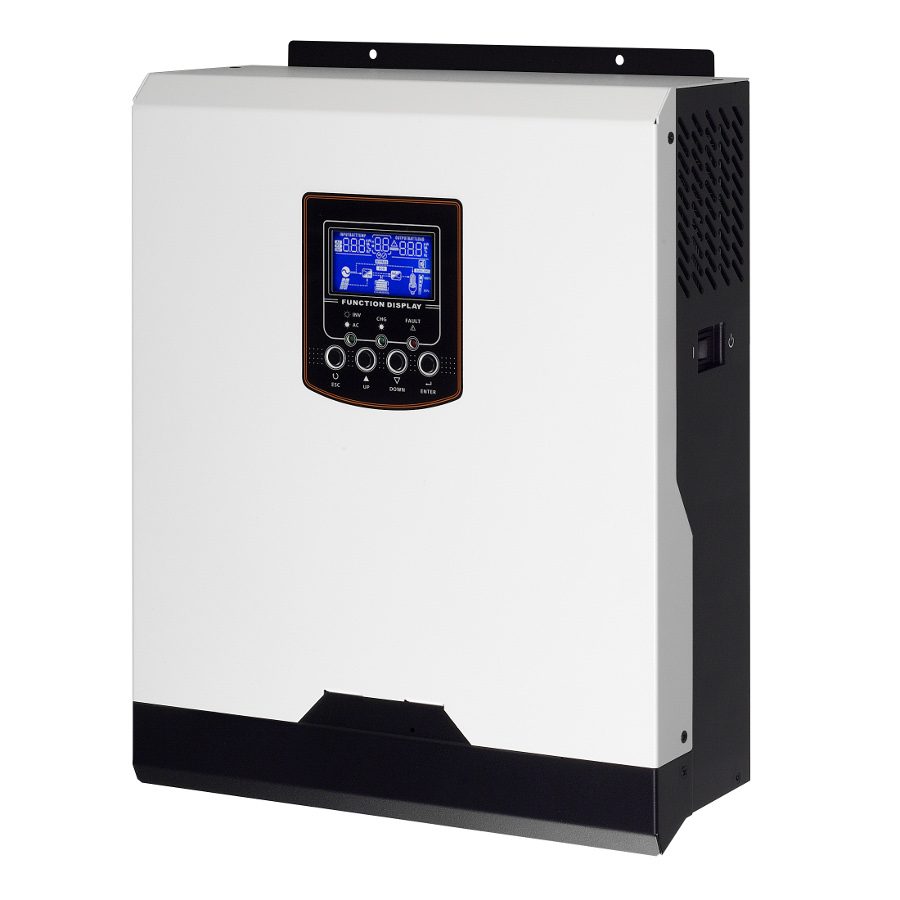
Use the following table to identify the potential cause based on your inverter’s behavior and the corresponding status lights typically found on the front panel.
| Alarm Pattern | Likely Cause | Recommended Action |
|---|---|---|
| Continuous Steady Beep | Critical Overload or Short Circuit | Disconnect all appliances immediately and restart. |
| Slow Intermittent Beeping | Low Battery Voltage | Check battery connections or recharge the battery. |
| Rapid Beeping | High Temperature / Thermal Fault | Ensure fans are clear and the unit is well-ventilated. |
| Single Short Beep | Power-on Self Test | Normal operation; no action required. |
Step-by-Step Guide to Resolving Inverter Beeping
If your inverter is currently beeping, follow these steps to isolate the issue and restore normal operation safely. Always prioritize your personal safety by wearing insulated gloves if working near high-capacity battery terminals.
- Identify the Load: Immediately unplug all devices from the AC outlets of the inverter. If the beeping stops, your issue is likely an overload caused by too many appliances drawing power simultaneously.
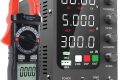
- Check Battery Health: Use a multimeter to measure the DC input voltage at the inverter terminals. If the reading is below the manufacturer’s recommended threshold (usually 10.5V to 11V for a 12V system), your battery is depleted or failing.
- Inspect Ventilation: Examine the cooling fans on the back or side of the unit. Ensure there is at least six inches of clearance around all sides and that no dust or debris is clogging the intake vents.
- Verify Cable Connections: Loose or corroded battery cables create high resistance, which causes the inverter to perceive a voltage drop. Tighten all terminal connections and clean any visible corrosion from the battery posts.
- Perform a Hard Reset: Turn off the inverter completely, disconnect it from the DC power source for at least five minutes to allow the capacitors to discharge, reconnect the cables, and switch the unit back on.
Preventing Future Issues
Many inverter failures stem from improper installation or maintenance habits. A common mistake is using cables that are too thin for the distance between the battery and the inverter. This causes a significant voltage drop, leading the inverter to think the battery is low even when it is fully charged. Ensure you are using the specific gauge recommended in your user manual.
📷 Photo by wonderfulengineering.com
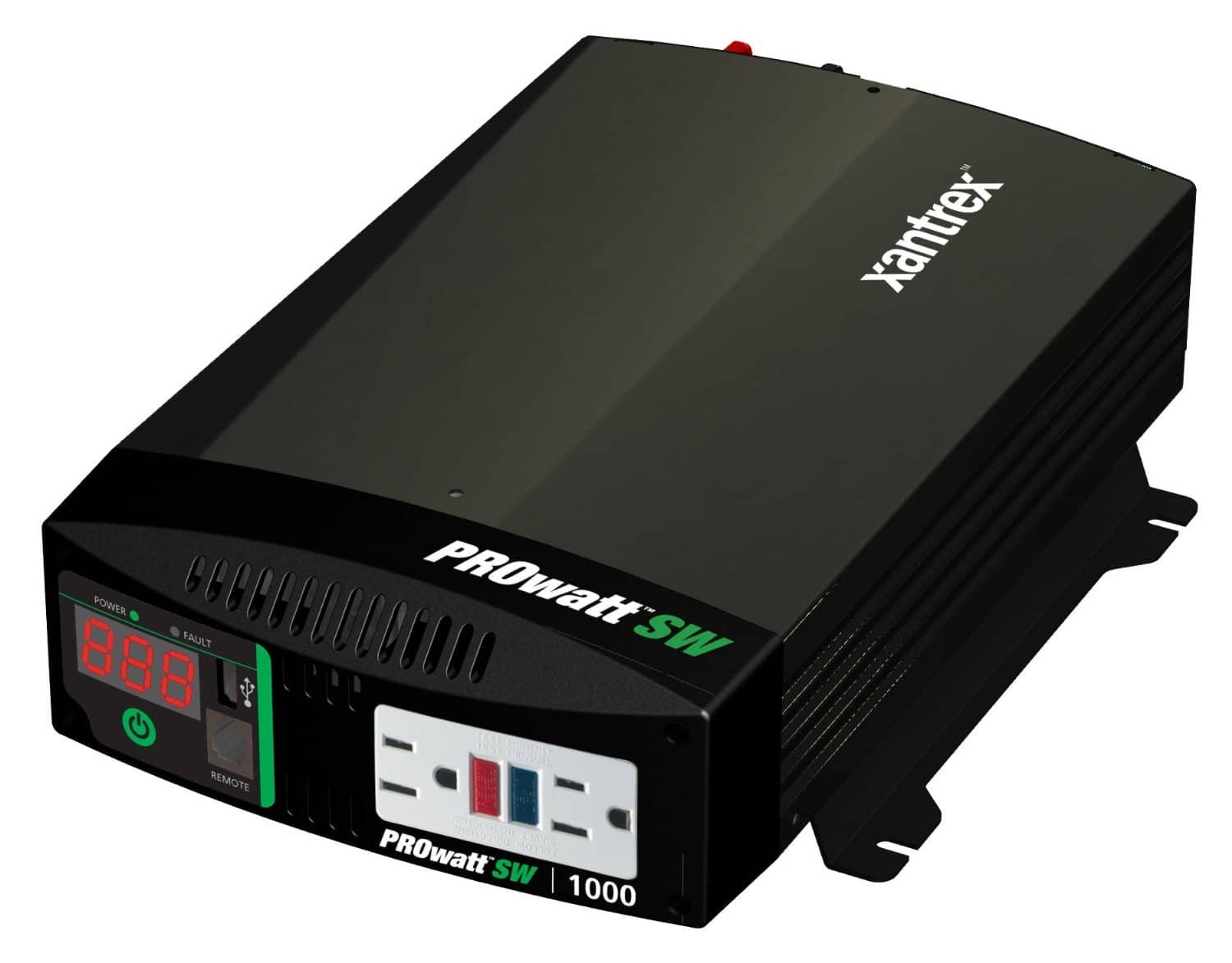
Another frequent error is running the inverter in an enclosed space without active airflow. Even if the ambient temperature is cool, the lack of air circulation will cause the unit to trap its own waste heat, leading to premature thermal alarms. Regularly inspect your setup to ensure that the fans are spinning freely and that the mounting surface is stable and vibration-free.
Frequently Asked Questions
Q: Can I silence the alarm while the inverter is still running?
A: Many high-end inverters have a mute button, but you should only silence the alarm after you have confirmed the cause. Silencing a critical fault without addressing the root problem, such as an overload, can lead to permanent damage to the inverter’s internal components.
Q: Why does my inverter beep when I start my microwave?
A: Appliances with electric motors or compressors, such as microwaves, refrigerators, or power tools, have a “surge” or “starting” wattage that is much higher than their running wattage. If your inverter is not rated for this surge, it will trigger an overload alarm for the few seconds the motor takes to start.
Q: Is it safe to keep using the inverter if it beeps occasionally?
A: No, you should never ignore an alarm. Occasional beeping usually signals that your system is operating at the edge of its limits. Frequent warnings suggest that your battery bank is undersized or your load is too high, which will eventually lead to a complete system failure or a shortened lifespan for your batteries.
By consistently monitoring your power usage and ensuring your battery bank is adequately sized for your needs, you can minimize the occurrence of these alarms. Always consult your specific model’s manual, as different manufacturers have unique alarm codes that may require specific diagnostic procedures beyond general troubleshooting.
📷 Photo by ebay.co.uk