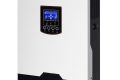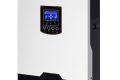
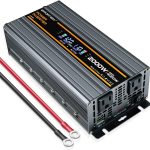


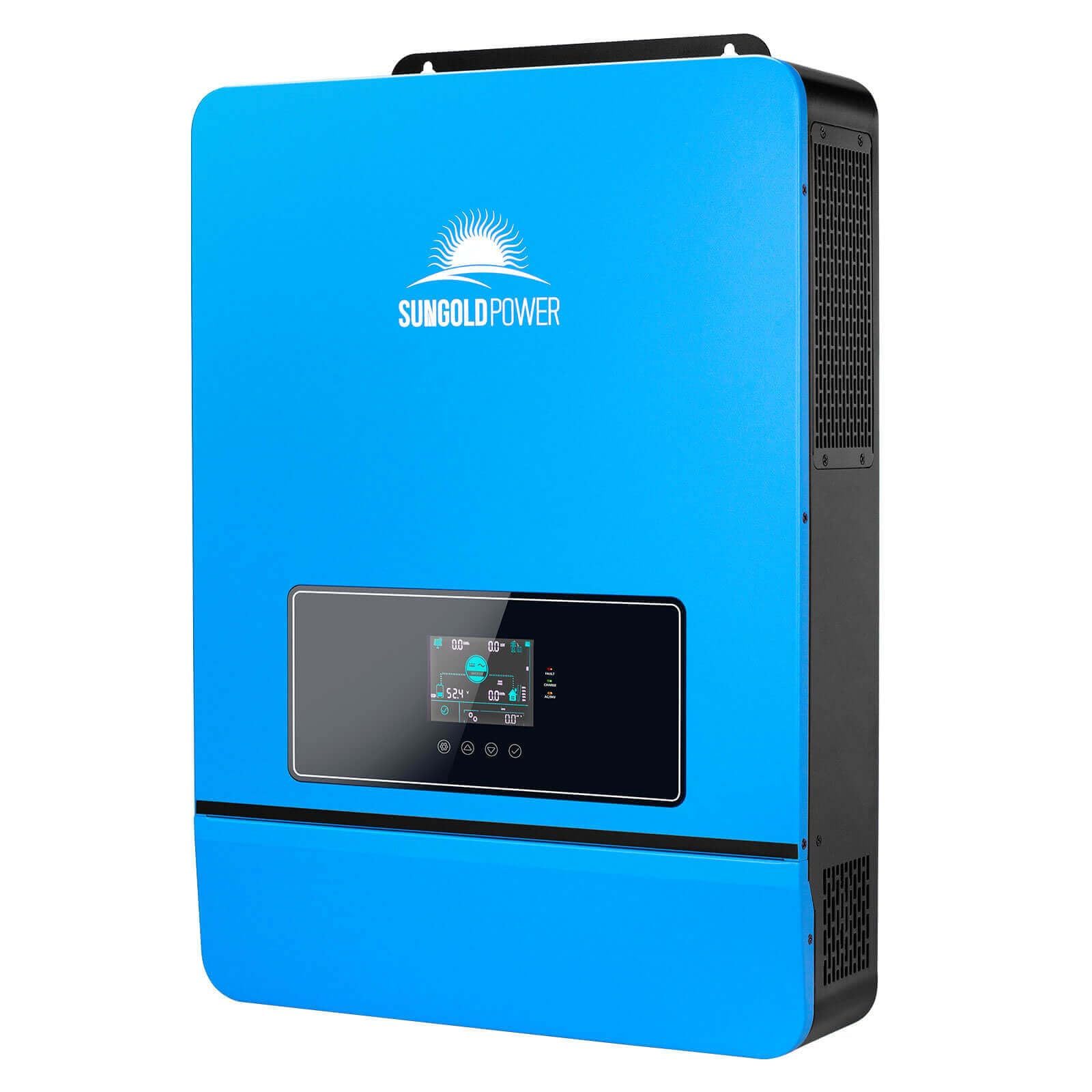
Vanonpower.com – To reset an overloaded solar power inverter, you must first disconnect all AC and DC power sources, wait for the internal capacitors to discharge completely, and then systematically reconnect the system after clearing the excessive load.
Understanding the Overload Trigger
An inverter overload occurs when the connected electrical appliances demand more power than the inverter is rated to provide continuously or during a surge. Solar inverters are equipped with internal sensors that detect when current limits are exceeded, triggering a protective shutdown to prevent permanent damage to the power electronics and internal circuitry. This is a safety feature, not a device failure.
Before attempting a reset, you must identify what caused the spike. Common culprits include starting heavy inductive motors like well pumps, air conditioners, or refrigerators, which often require three to five times their running wattage for a split second. If you reset the system without removing these loads, the inverter will simply trip again immediately, potentially causing internal wear.
Safety Precautions Before Resetting
Never attempt to reset an inverter while standing in water or if the unit shows signs of physical damage such as scorching or melted casing. Always ensure your hands are dry and that you are using insulated tools if necessary. If the inverter smells like burning plastic or ozone, do not attempt a reset; this indicates a hardware failure that requires professional technician assessment.
Step-by-Step Inverter Reset Procedure
- Turn off all AC output breakers on the inverter or the main distribution panel to isolate the loads.
- Disconnect the DC input power by turning off the solar battery breaker or the PV input switch to completely depower the unit.
- Wait for at least 15 to 30 minutes to allow the internal capacitors to fully discharge; you will know this has happened when the display screen goes completely blank and all status LEDs turn off.
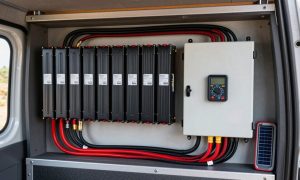
- Inspect the wiring terminals for any signs of loose connections or heat damage, tightening them if necessary.
- Turn the DC input power back on first, allowing the inverter to perform its self-diagnostic boot-up sequence.
- Once the inverter displays “Normal” or “Standby” status, slowly switch your AC output breakers back on one by one, starting with the most critical, low-wattage devices.
Comparative Analysis of Overload Scenarios
| Scenario | Cause | Recommended Action |
|---|---|---|
| Instant Shutdown | Short circuit or massive surge | Check wiring for shorts and reduce load |
| Delayed Shutdown | Gradual overload (running too many devices) | Remove non-essential loads permanently |
| Constant Beeping | Inverter is still detecting excessive draw | Disconnect all appliances before restarting |
| No Display/No Reset | Internal fuse blown or hardware failure | Contact manufacturer support |
Common Mistakes to Avoid
A frequent error users make is trying to force a reset while the inverter is still connected to the grid or the full appliance load. This can cause “arcing” at the connection points, which pits the contact surfaces and leads to future resistance and heat issues. Always clear the load first.
Another common mistake is neglecting firmware updates. Some modern solar inverters have sensitive overload thresholds that are tuned via software. If your inverter trips frequently despite being within its rated capacity, check the manufacturer’s website to see if a firmware update is available to optimize the sensor sensitivity.
Preventing Future Overloads
To prevent future issues, calculate your total peak wattage. Take the running wattage of all your devices and add the surge wattage of the largest motor-driven appliance. If this sum exceeds 80 percent of your inverter’s maximum capacity, you are operating in the “danger zone.” Consider installing a soft-start kit on heavy appliances like AC units, which limits the initial current spike and helps the inverter handle the load more gracefully.
Monitoring your system regularly through the inverter’s mobile app or web interface can also provide early warnings. Most systems log the exact wattage at the time of the fault, allowing you to pinpoint exactly which appliance pushed the system over the edge.
Frequently Asked Questions
Q: Can I just press the reset button while the loads are connected?
A: While some inverters have a reset button, it is highly discouraged to use it while appliances are drawing power, as the sudden surge can damage the inverter’s internal relay switches.
Q: Why does my inverter overload even when I have very little plugged in?
A: This could indicate a short circuit in your home wiring, a faulty inverter component, or a degraded battery bank that cannot provide the necessary voltage, causing the inverter to draw higher current to compensate.
Q: How long should I wait before turning the power back on?
A: Always wait at least 15 minutes. This ensures that the internal electronics have cooled down and that any volatile memory in the inverter’s processor has been cleared, allowing for a clean reboot.
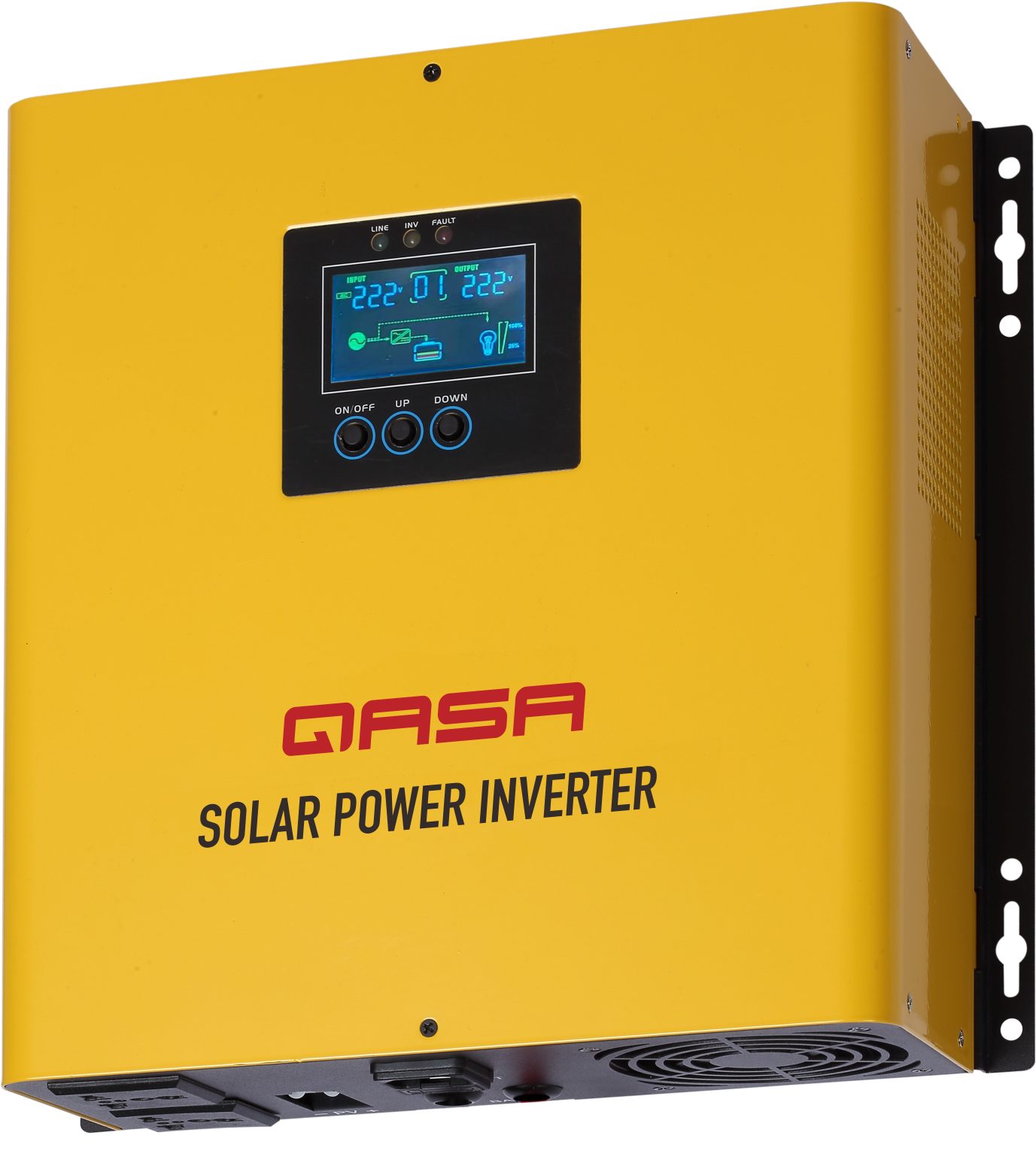
📷 Photo by qlinkqasa.com
Ultimately, a solar inverter is a sophisticated piece of power electronics. While resets are a normal part of maintenance, frequent tripping is a sign that your system is undersized for your power needs. If resetting becomes a daily routine, it is time to reassess your energy consumption or consider upgrading to a larger inverter unit to ensure the longevity of your solar power system.
📷 Photo by hometosight.com