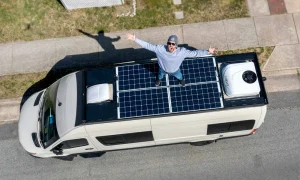


Vanonpower.com – Measuring solar panel voltage and current with a multimeter requires testing the panel in direct sunlight using the Open Circuit Voltage (Voc) and Short Circuit Current (Isc) settings to verify if the output matches the manufacturer’s specifications.
Solar panels are the backbone of off-grid energy systems, but they are prone to performance degradation over time due to environmental factors, micro-cracks, or wiring issues. Checking the electrical output is the most effective way to troubleshoot a system that is not charging your batteries as expected. While it might seem intimidating to work with live electrical components, the process is straightforward if you follow safety protocols and use the correct settings on your digital multimeter.
Safety First: Precautions Before You Begin
Electricity from solar panels can be dangerous, especially if you are working with high-voltage arrays. Before touching any connectors, ensure your multimeter leads are in good condition without exposed copper. Always wear rubber-soled shoes and avoid working on panels when they are wet or during high-wind conditions. If your solar array voltage exceeds 50V DC, be extremely cautious, as this can cause a significant shock. When in doubt, disconnect the panel from the charge controller before taking measurements to avoid damaging your electronic equipment.
Understanding Key Solar Measurements
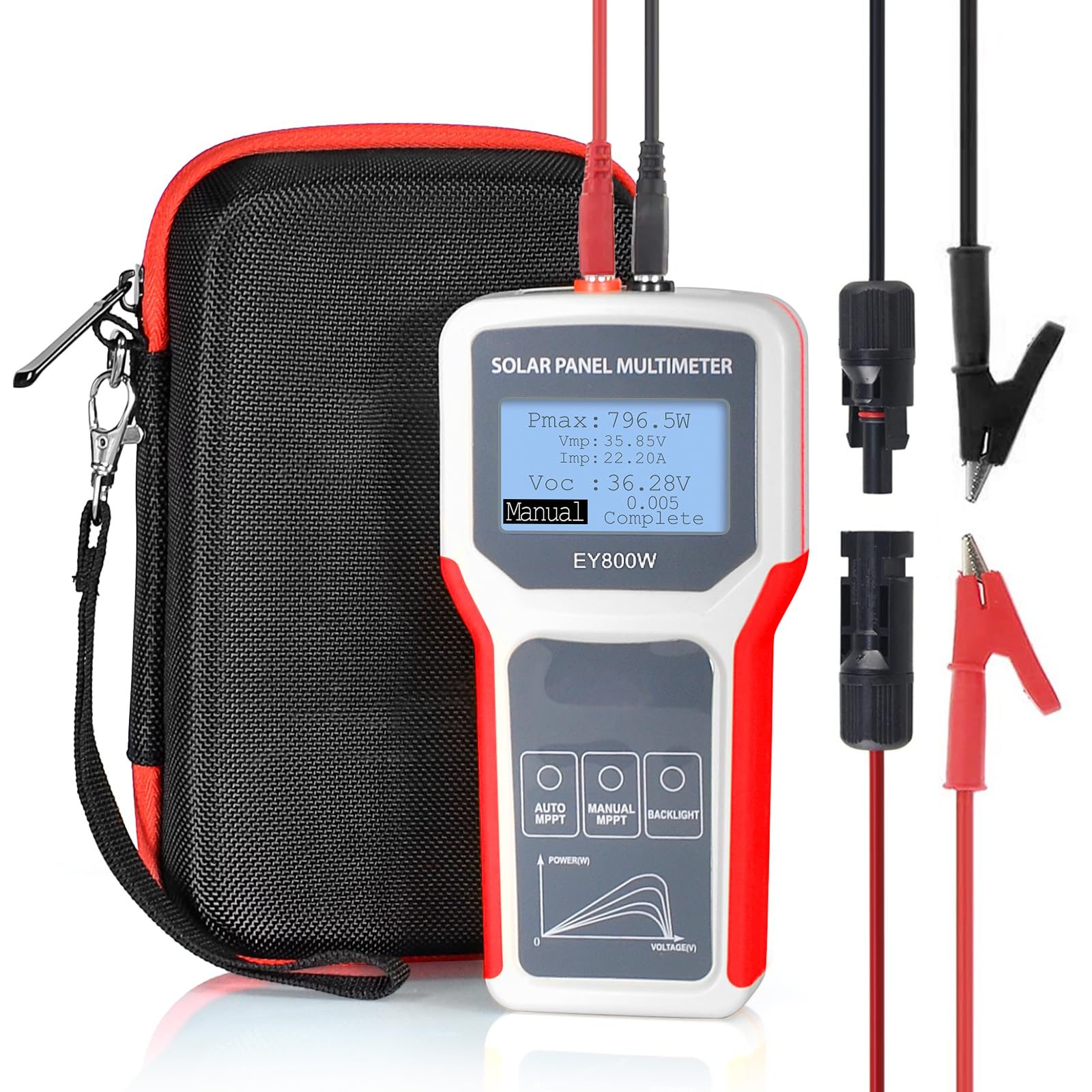
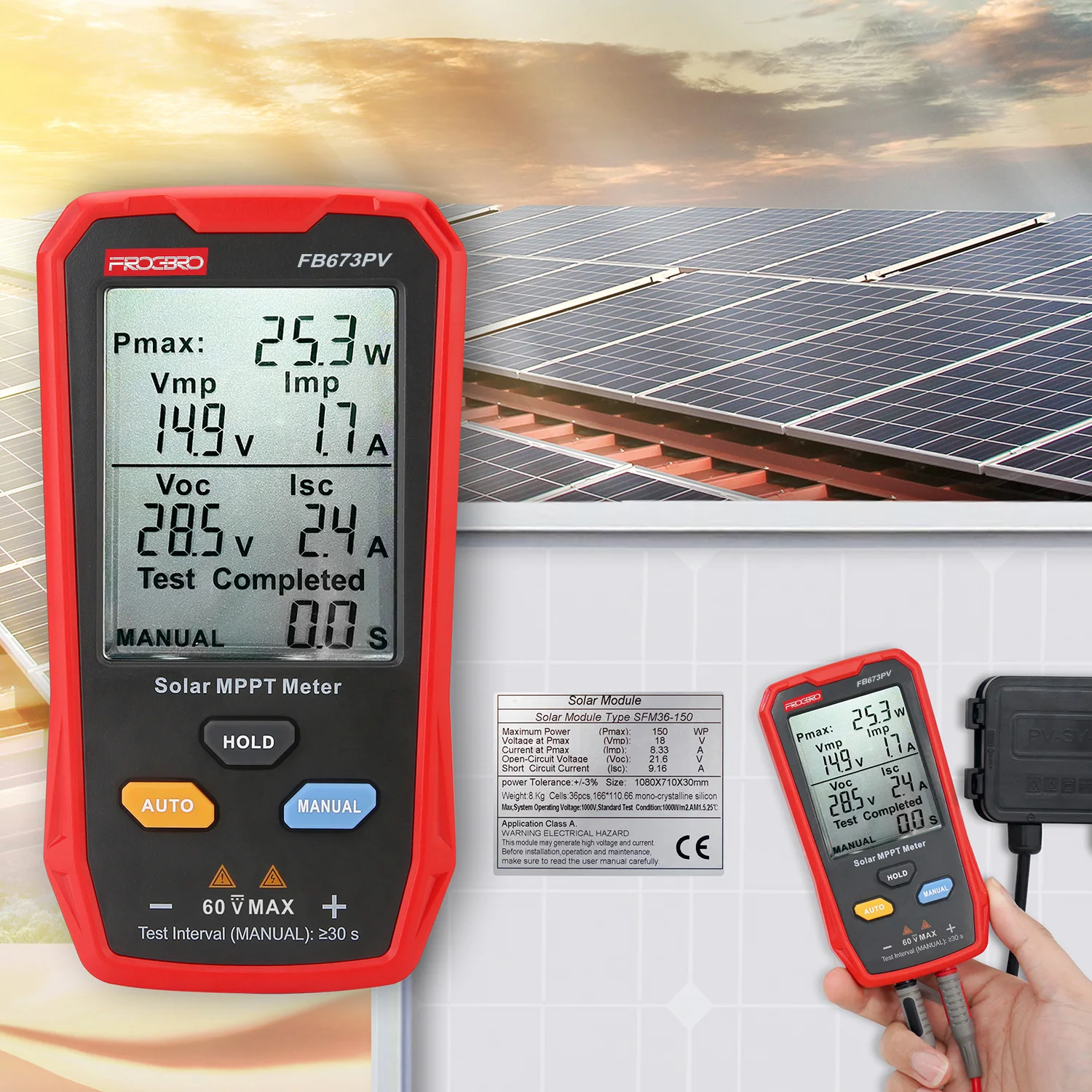
To evaluate a panel, you need to measure two primary values: Open Circuit Voltage (Voc) and Short Circuit Current (Isc). These figures represent the panel’s capability when it is not connected to a load. Comparing these measured values against the label on the back of your solar panel is the gold standard for determining if the panel is healthy or damaged.
| Measurement Type | Multimeter Setting | What it Indicates |
|---|---|---|
| Open Circuit Voltage (Voc) | DC Voltage (V) | The maximum voltage potential of the panel without a load. |
| Short Circuit Current (Isc) | DC Amps (A) | The maximum current the panel can produce in direct sun. |
Step-by-Step Guide to Testing Your Solar Panel
Follow these steps to safely measure your solar panel’s output. Ensure the panel is placed in direct, unobstructed sunlight for the most accurate reading.
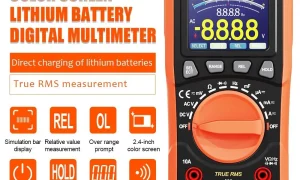
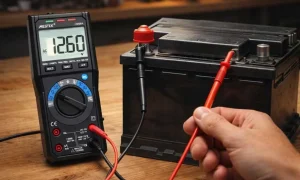
- Set your multimeter to the DC Voltage mode. Select a range higher than the maximum rated voltage listed on the panel’s label (usually 20V or 200V).
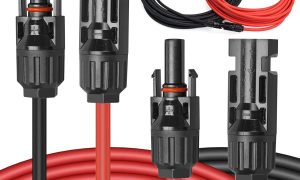
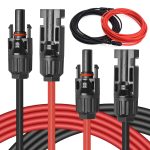
- Identify the positive and negative MC4 connectors or junction box terminals on the back of the solar panel.
- Insert the red multimeter probe into the positive terminal and the black probe into the negative terminal.
- Read the display on the multimeter. This value is your Voc. If it is significantly lower than the rated Voc, the panel may have internal cell damage.
- To measure current, switch your multimeter dial to the DC Amps (A) setting. Note: You may need to move the red lead to the 10A port on your multimeter.
- Briefly touch the multimeter probes to the corresponding positive and negative terminals. The reading on the screen is your Isc.
- Remove the probes immediately after the reading stabilizes to prevent overheating the internal components of the multimeter or causing an arc.
Common Mistakes and Troubleshooting
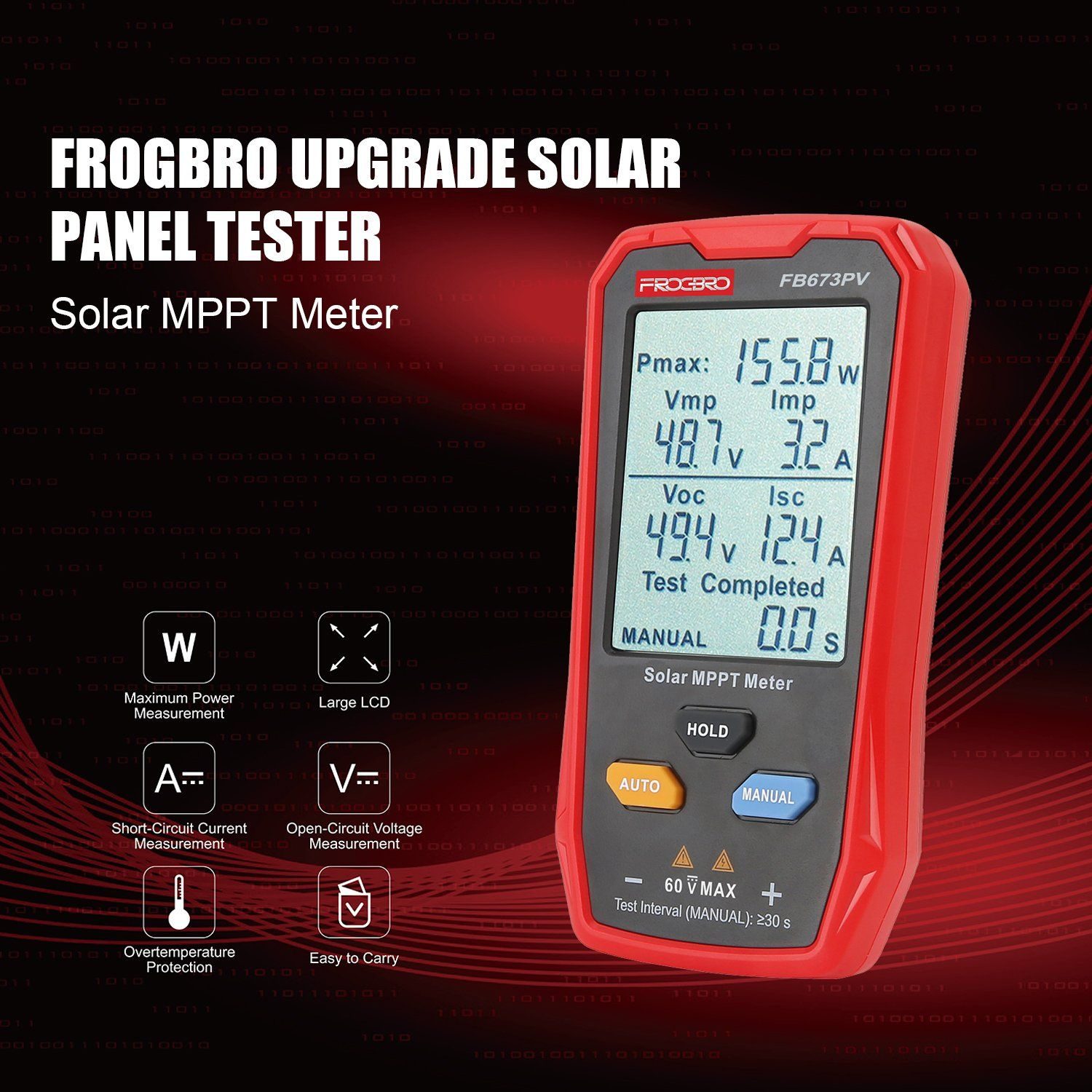
A frequent error beginners make is testing the panel in the shade or on an overcast day. Solar output is directly proportional to irradiance. If your panel is rated for 100 watts but you are testing it under a cloudy sky, you might get a voltage reading that seems correct but a current reading that is near zero. Always test during the solar noon when the sun is at its peak intensity.
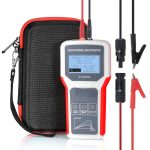
📷 Photo by hzfrankever.en.made-in-china.com
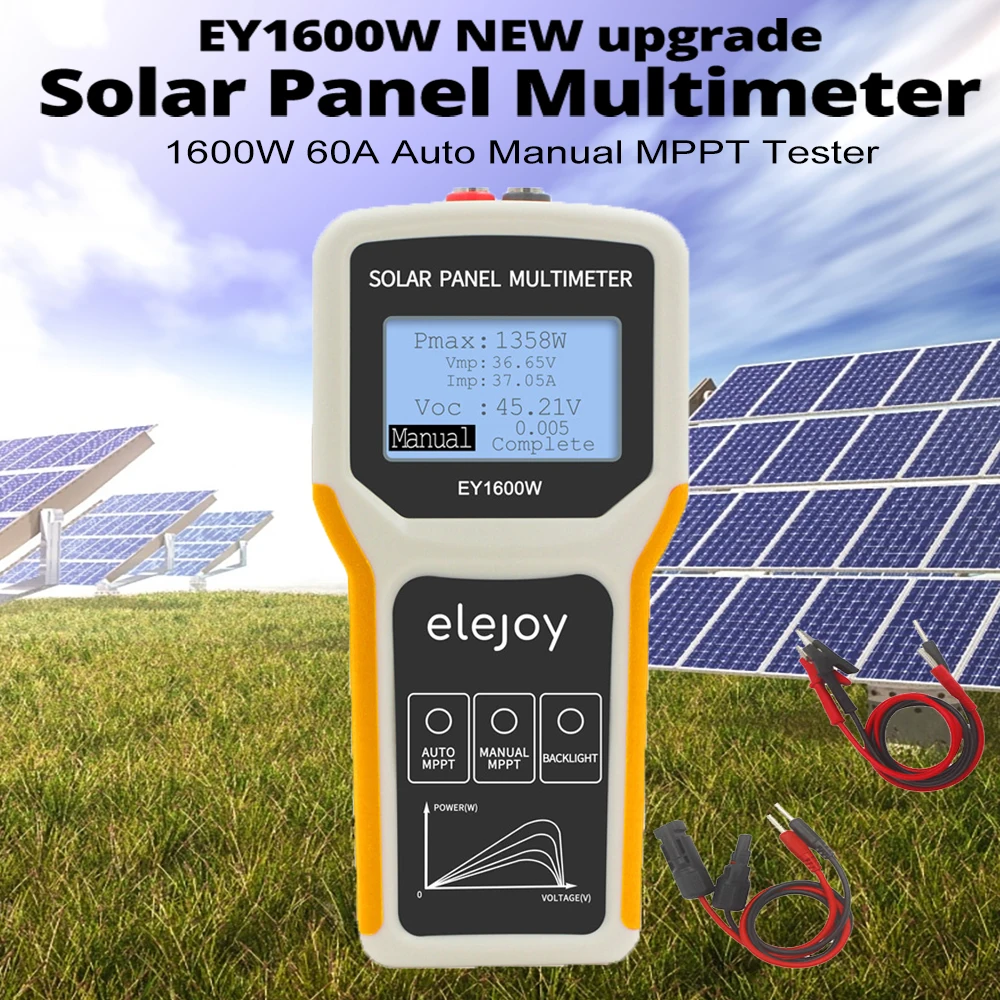
Another issue is “voltage drop” caused by long or thin wires. If you measure the voltage at the end of a long extension cable rather than at the panel terminals, you will get a lower reading. Always measure as close to the panel as possible to isolate the panel’s performance from the rest of your system wiring.
📷 Photo by aliexpress.com
📷 Photo by alibaba.com
Why Your Measurements Might Be Low
If your readings are consistently below the manufacturer’s specs even in perfect sunlight, consider these factors. Dust, bird droppings, or pollen buildup can reduce current output by 10% to 20%. Cleaning the surface with distilled water and a soft cloth often restores performance. Additionally, check for “hot spots”—discolored or brown patches on the cells—which indicate that a bypass diode may have failed or a cell has burned out. If the voltage is exactly half of what it should be, it is a strong indicator that one of the internal strings of cells has been bypassed or disconnected.
Maintenance and Longevity Tips
Regularly monitoring your solar panel’s electrical output helps you catch issues before they lead to total system failure. Keeping a log of the Voc and Isc values every six months allows you to track the degradation rate of your panels. If you notice a sudden drop, you can quickly inspect for loose connections or corroded MC4 connectors, which are common culprits in outdoor environments.
Q: Can I measure the current while the solar panel is connected to the battery?
A: No. Measuring current in series while the panel is under load can blow the fuse in your multimeter. Always disconnect the panel from the charge controller before measuring short-circuit current.
Q: What should I do if my multimeter shows a negative value?
A: A negative sign simply means your polarity is reversed. Swap the red and black probes on the terminals, and the value will display as a positive number.
Q: How accurate does the measurement need to be?
A: Slight variations are normal due to temperature and light intensity. However, if your reading is more than 20% lower than the label specifications, the panel likely has a genuine defect or significant degradation.
By mastering the use of a multimeter for your solar array, you gain control over your energy system. You can confidently identify whether a power shortage is due to a faulty panel, a bad battery, or an issue with your charge controller. Regular testing ensures your off-grid setup remains efficient and reliable for years to come.
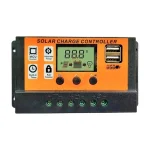
📷 Photo by snapklik.com